A Double 11 visual war room: swapping main images and campaign assets across presale, sale and encore
Double 11 is no longer one day but a multi-stage campaign running from late October into mid-November. Visual assets need to follow the stages. Here's a schedule for main images, detail pages, store homepages and short video across presale, sale and encore phases.

Every Double 11, visual teams run an image-swapping marathon. Campaigns keep getting longer and platforms don't all follow the same rhythm: some open presales in late October, some release stock in several waves, and many add an encore afterwards. If you prepare only "one set of Double 11 images", it either goes live too early and looks odd, or there's no time to change it between phases.
This article doesn't cover specific platform rules — follow what each platform publishes for the year. It's about matching visuals to campaign phases.
Start with a phase table
Before making any images, build a phase table from the dates each platform has announced. A sample structure (fill in real dates):
| Phase | Shopper mindset | Visual focus |
|---|---|---|
| Warm-up | Browsing, saving, collecting coupons | New products, content, add-to-cart prompts |
| Presale | Paying deposits, locking in offers | Explaining deposit and balance clearly |
| Main sale | Buying, comparing prices | Hero products, clear offers |
| Encore | Bargain hunting, topping up | Encore notices, updated stock and offers |
| After | Back to normal | Roll back to everyday assets |
Each phase changes different assets. List them in the table and assign each to a person and a date.
Warm-up: content before main images
During warm-up people browse, save and add to cart rather than buy. The focus is content, not main images:
- Short videos and discovery notes — use cases and benefits for new and hero products;
- Store homepage — a new arrivals section and teaser banner;
- Main images — usually stay as everyday versions; campaign messaging this early looks out of place.
For content visuals, see Xiaohongshu note covers and Douyin product card images.
Presale: make the rules clear
The most common presale problem is shoppers not understanding the mechanics: how much is the deposit, how much is the balance, when is it due, what's the final price? Visually, the job is clarity:
- Main or secondary image — one image can show "deposit + balance = final price", with numbers exactly matching back-end settings;
- Detail page first screen — presale terms, including when the balance is due and when it ships;
- Hierarchy — the final price is what shoppers care about most, so make it most prominent; rules can be smaller but must be readable on a phone.
Be especially careful with presale prices: no invented original prices, no unprovable "lowest price", and accurate discount calculations.
Main sale: hero products, direct information
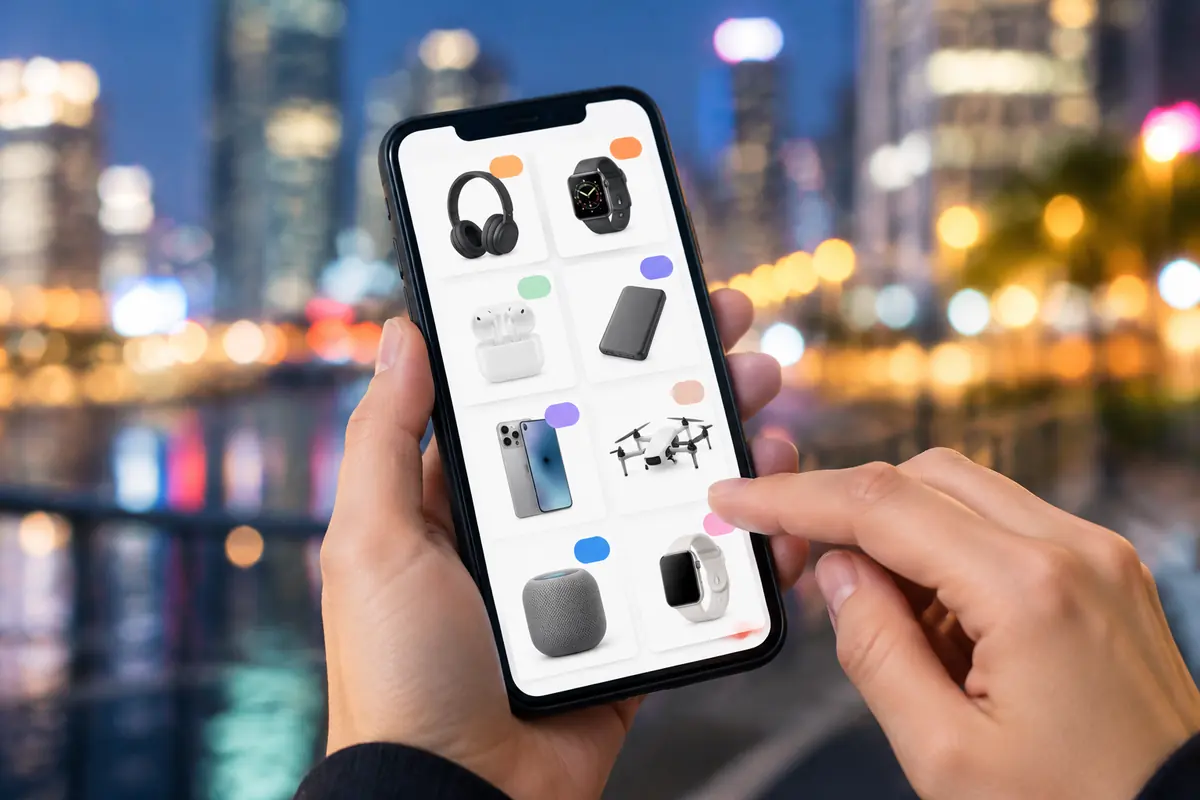
Traffic peaks and decisions are quick:
- Main images — hero products can switch to campaign versions highlighting the core benefit and offer (within each platform's main image rules; some limit text);
- Store homepage — the event version, one hero per screen, not everything piled together;
- Livestream — backdrop and overlays switched to campaign versions, with overlay prices matching linked prices;
- Detail page — the offer up top, then product benefits; don't let promotions take over the whole page.
Encore: small adjustments
The encore doesn't need a full image swap. Update information:
- Remove sold-out products from homepage and campaign assets;
- Update prices in main images and overlays where offers change;
- Take down "encore" teasers as soon as it ends.
After the campaign: rollback
Within 24–48 hours of the end:
- Main images back to everyday versions — or keep new ones that data shows perform better (see our post-sale rollback checklist);
- Store homepage back to everyday;
- Livestream backdrop and overlays replaced;
- Campaign notes removed from detail pages;
- Campaign prices updated in video covers and product cards.
Working back from the sale date
Counting back from the main sale date, we usually plan:
| When | Work |
|---|---|
| 4–5 weeks before | Hero list, phase table, asset gaps |
| 3–4 weeks before | Shoot, generate scenes and draft campaign main images |
| 2–3 weeks before | Warm-up content live, presale assets final |
| 1–2 weeks before | Main sale assets final, internal review |
| 1–2 days before | Switch assets, full check on mobile |
An emergency folder
The worst moments in a campaign are a main image failing review, a price change or a sudden stockout. Prepare an emergency folder with each hero product's everyday main image and a price-free campaign mood version, ready to swap without a rush job.
Working faster
Draft campaign main images and banners in bulk with the campaign main image tool, entering real prices and benefits. Use the same real product photo as input for everyday and campaign versions so the product looks identical in both.
Upload one product photo and get a full set of listing-ready visuals in minutes.
Keep reading