After a big sale, should your images go back? A rollback checklist
The holiday scenes, promo banners and new main images you added for a sale — keep them, revert them or keep testing? Deciding by gut is easy to get wrong. Here's how we sort assets and read the data.
Before a big sale everyone is busy: new main images, holiday scenes, refreshed A+ banners, landing pages. Afterwards, the team exhales and forgets about all of it. Two weeks later someone notices the Store hero still says "Black Friday" and the third product image is covered in discount badges for a deal that ended long ago.
The opposite happens too. A new main image performed brilliantly during the event, it gets reverted the next day, traffic dips, and only then does anyone wonder whether the new image was simply better — nobody had checked.
So post-sale clean-up is really two jobs: removing expired content and deciding which changes deserve to stay.
Category one: must come down
No debate here. Handle these within 24–48 hours of the event ending:
- Images and banners with the event name, dates or countdowns;
- Secondary images or A+ modules showing specific discounts or "limited time";
- Event landing pages in your Store (convert them to an evergreen "gift picks" page instead of deleting, to keep any inbound links working);
- Ad videos and images referencing the event.
Expired promotional claims aren't just untidy. On many marketplaces, showing a discount in an image that no longer matches the real price can itself breach pricing display rules, and it invites complaints.
Category two: can carry on
Holiday atmosphere doesn't have to vanish the day a sale ends. Gift scenes from Black Friday remain relevant until mid-December; Southeast Asian 11.11 creative can bridge into 12.12. The test is simple: does the image contain a specific date or discount? If not, a seasonal scene can run until the season itself is over.
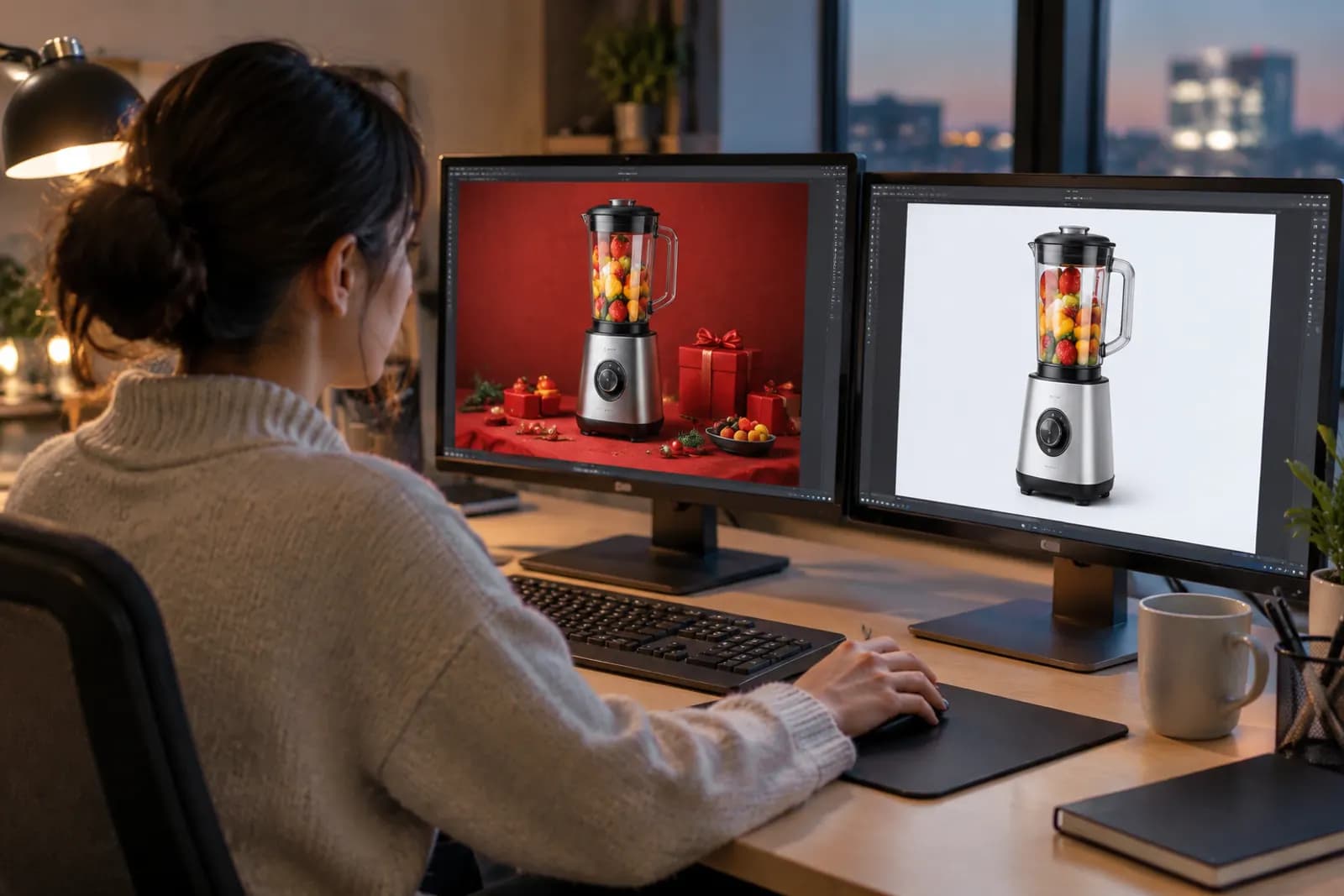
A practical habit: when making event creative, produce two versions — one with event details, one with only seasonal mood. When the event ends, switch to the second. Nothing needs redoing in a hurry.
Category three: needs a decision — new main and secondary images
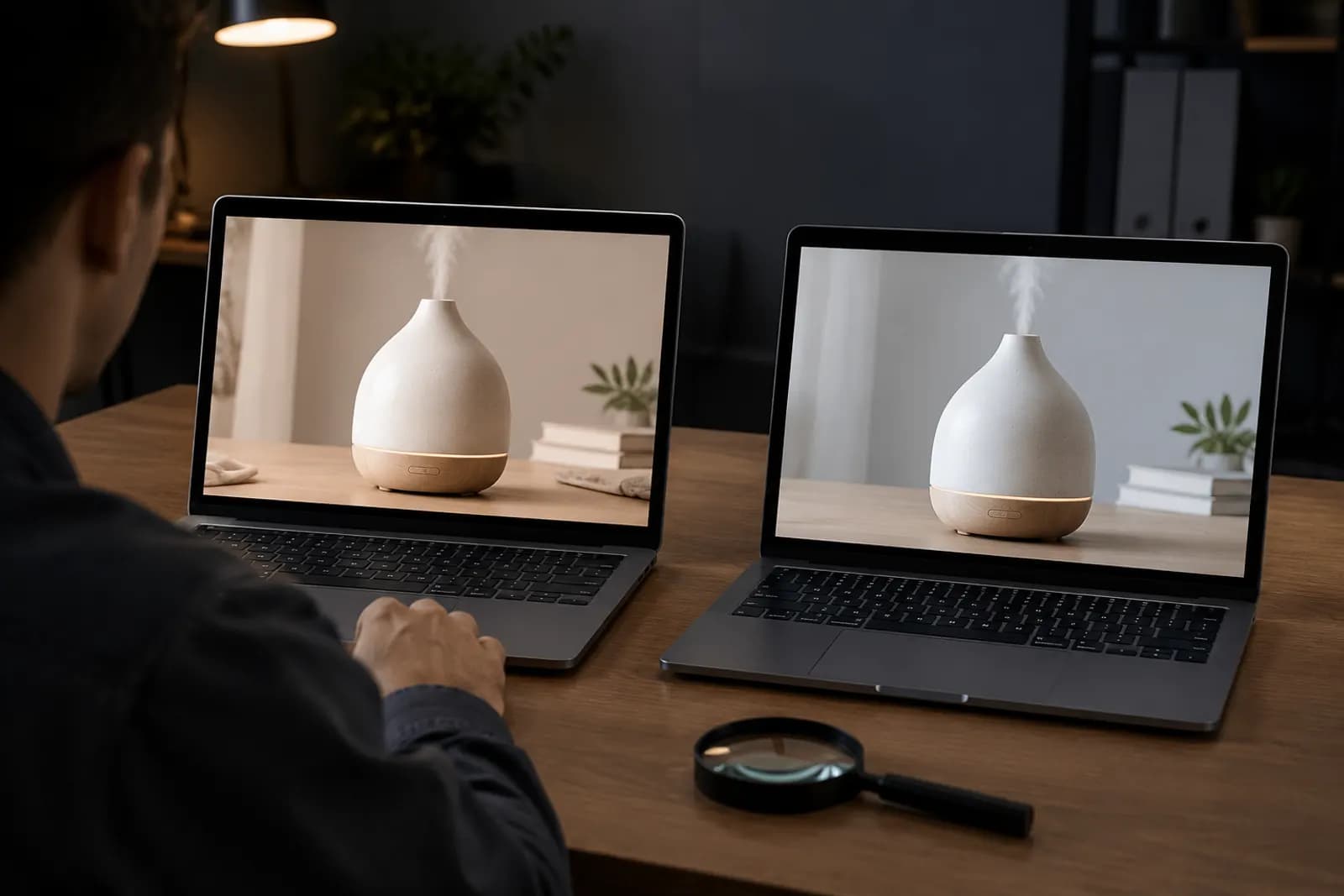
The hard part is images you changed before the event to lift clicks. They carry no promotional content, so there's no obligation to remove them. The real question is whether they're better.
Why event data can't answer that
During a sale, traffic changes character: more deal hunters, more impulse buying, different ad auctions. Click-through and conversion rates are inflated across the board, so a new image that "did well" may simply have ridden the event.
A more reliable comparison
- Exclude the event window. Compare two to four weeks before (old image) with two to four weeks after (new image), cutting the sale period out entirely.
- Use rates, not totals. Click-through (clicks ÷ impressions) and conversion (orders ÷ sessions) say more about an image than raw sessions or units.
- Note other changes. If price, ad budget or review count moved noticeably between windows, record it alongside the result.
- Run a real experiment when you can. Amazon brand owners can use Manage Your Experiments to test two main images head-to-head, which beats any before-and-after comparison.
A simple decision table
| What you see | What we'd do |
|---|---|
| New image matches or beats old on both CTR and conversion | Keep it |
| Higher CTR, clearly lower conversion | Possibly over-promising — check for exaggeration, lean toward reverting |
| Lower CTR, higher conversion | Decide on total orders, or run a formal test |
| Tiny difference, small sample | Keep whichever is cheaper to maintain and keep watching |
The second row deserves a note. High clicks with low conversion usually means the image is attracting the wrong shoppers or setting expectations the product doesn't meet. Keeping it can quietly cost you in returns and reviews.
The rollback checklist
- Before the event, archive every original asset per product, with version and date in the filename;
- When the event ends, list every location you changed: main, secondary, A+, Brand Story, Store, ads;
- Clear the must-remove items within 48 hours;
- For anything under review, write down the end date and the metrics you'll judge it on;
- Log every change in a shared sheet so two people don't make the same edit.
Common mistakes
- "The sale's over, revert everything." You throw away improvements that genuinely worked.
- "The new style worked, so redo every product in it." A result on one product may not transfer to another category. Test on similar products first.
- "Holiday touches in A+ are harmless." A+ changes go through review; the later you submit, the more likely they drag into the next season. Prepare the standard version before the event and submit right after.
Setting up the next one
After each major sale, spend half a day writing down which styles, scenes and benefit framings worked. Before the next event, those notes beat any template. For the full pre-event schedule, see our Black Friday visual prep timeline. And if you need standard and event versions of the same product image, the campaign main image tool can produce both from one photo in a matching style.
Upload one product photo and get a full set of listing-ready visuals in minutes.
Keep reading