A week-by-week Black Friday visual plan, from mid-September to December
Black Friday 2026 falls on November 27 and Cyber Monday on November 30. Visual assets should be ready after your inventory plan but before your ads. Here's the timeline we work back from.

Every November some team is still swapping main images, rushing A+ pages and waiting on approvals the week before Black Friday. Last-minute creative isn't impossible, but it costs you twice: there's no time to test, so you choose by gut, and review queues mean some assets may not be live when the event starts.
In 2026, Thanksgiving is November 26, Black Friday is November 27 and Cyber Monday is November 30. The plan below starts in mid-September and covers only images and video — inventory and ad schedules vary too much by business to generalise.
The overall rhythm
| Window | Focus | Output |
|---|---|---|
| Mid–late September | Audit and plan | Hero product list, asset gap sheet |
| October weeks 1–2 | Shoot and produce | Lifestyle, gifting images, first video cuts |
| October weeks 3–4 | Submit for review, test small | A+, Store, ad creative live |
| November weeks 1–2 | Finalise and lock | All event assets in place |
| November 23 – December 1 | The event | Monitor, don't redesign |
| From December week 1 | Roll back, bridge to Christmas | Restore standard assets or switch to Christmas versions |
Mid to late September: audit before you shoot
Don't book a photographer yet. Answer three questions first:
- Which products are you pushing? Usually last year's strong performers, products with secure stock, and new launches you want to rank. Keep the list to about 20% of your SKUs so effort stays concentrated.
- What's missing for each? Check main image, secondary images, A+, video and ad creative, and write down the gaps.
- Which need a holiday treatment? Not everything needs red and green. Functional items like tools and accessories gain little from a festive version; giftable items like home décor, personal-care sets and small appliances do.
October weeks 1–2: shoot in one go
Batching all real photography into one or two shoot days is cheaper and more consistent than shooting piecemeal. The shot list should cover at least:
- Gift settings — next to wrapped boxes, under a tree, on a dining table;
- Recipients — scenes that suggest a clear person: a gift for Dad, for a new parent;
- Bundles — if you'll sell sets during the event, give each its own flat lay;
- Video — unboxing and a use demo, each cut to around 15 seconds.
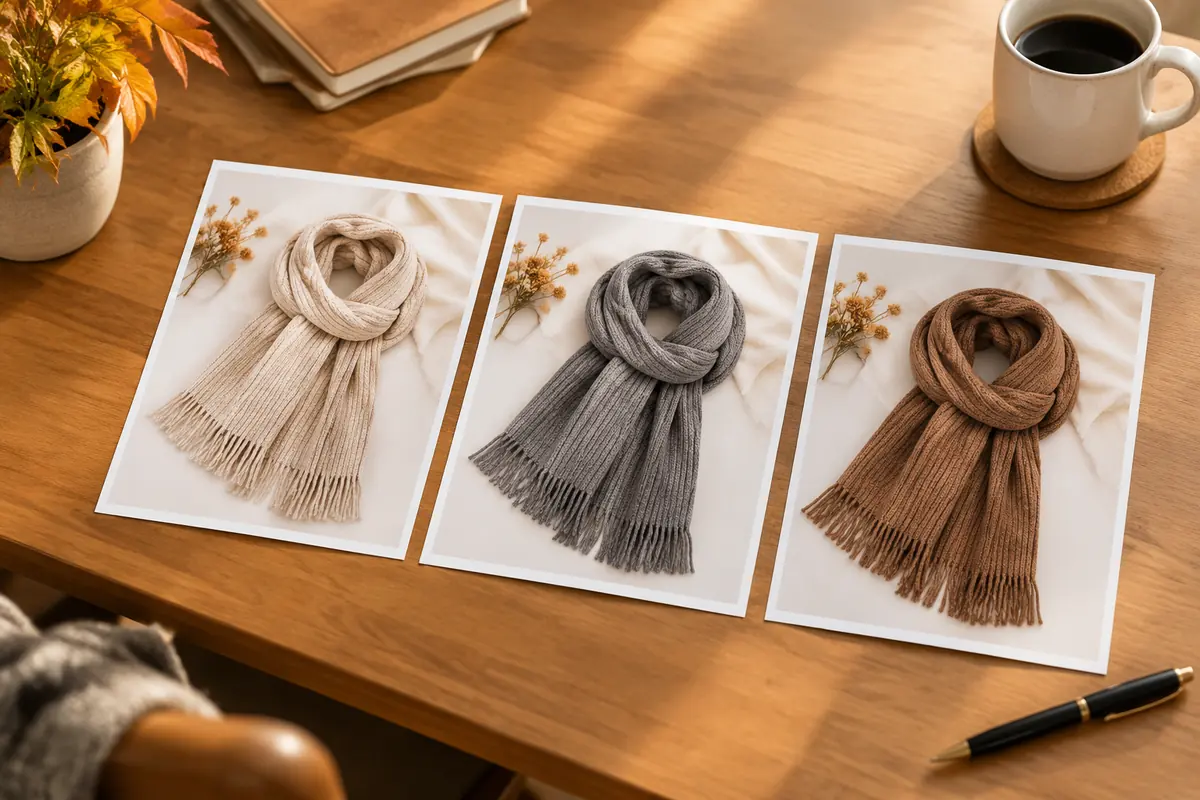
This is also a good moment to use AI for extra scenes. One white-background product photo can become several holiday settings for testing. Check every generated image against the real product: colour, button placement, number of accessories.
October weeks 3–4: submit early, keep a buffer
- A+ content: review can take a day to a week; late October is the last comfortable window.
- Brand Store: holiday pages and hero updates also go through review.
- Ad creative: launch new Sponsored Brands videos and custom images early to build data.
- Deals: submission deadlines are published in Seller Central; deal images usually pull from your main image, so be very careful about changing it near the event.
If you took part in an October Prime event, treat it as a dress rehearsal. Which main images earned higher click-through? Which lifestyle shots converted? Use that to finalise your Black Friday set.
November weeks 1–2: finalise and lock
By mid-November, every event asset should be live and verified. Three tasks:
- Full check on a phone for each hero product: main image, secondary images, A+, video — all current.
- Archive your standard assets so you can restore them after the event.
- Stop major changes. Swapping a main image the week before the event risks a review or suppression right when traffic peaks.
During the event: monitor only
What matters now is whether anything breaks: suppressed listings, images not displaying, paused ad creative. Keep an "emergency swap" folder with an approved backup main image for every hero product, ready to upload.
December: roll back and bridge
Once Cyber Monday ends, creative and Store pages that say "Black Friday" should come down; they date quickly. Gift-oriented products can move straight to a Christmas version and run it into mid-December. Whether to revert your main images afterwards — and how to decide — is covered in rolling back images after a sale.
If your team is small
With one or two people on visuals, split effort roughly like this:
- 70% on main images and the first three secondary images for hero products;
- 20% on ad creative and the Store;
- 10% on touch-ups for everything else.
Don't try to give every product a holiday version. For the copy and design principles behind campaign images, see our festival campaign visuals playbook, and for a fast first batch of drafts, try the campaign main image tool.
Upload one product photo and get a full set of listing-ready visuals in minutes.
Keep reading