Using platform presets in Product image sets: one product, separate sets for Taobao, JD, Douyin and Xiaohongshu
Platform presets in the image set wizard fill in each platform's usual ratio and plan priorities. Using a Bluetooth speaker, we show what one product photo becomes under the Taobao, JD, Douyin and Xiaohongshu presets, and which images to adjust for each.
Many merchants run several platforms at once: Taobao as the main store, a JD shop, Douyin for video-driven sales, Xiaohongshu for discovery. Every new product needs a set of images per platform, with different ratios, styles and emphasis.
The platform presets in Product image sets exist for exactly this. Pick a platform and the wizard fills in its usual image ratio and adjusts plan priorities to match platform habits. Here's a full walkthrough with a Bluetooth speaker.
The ten plan types
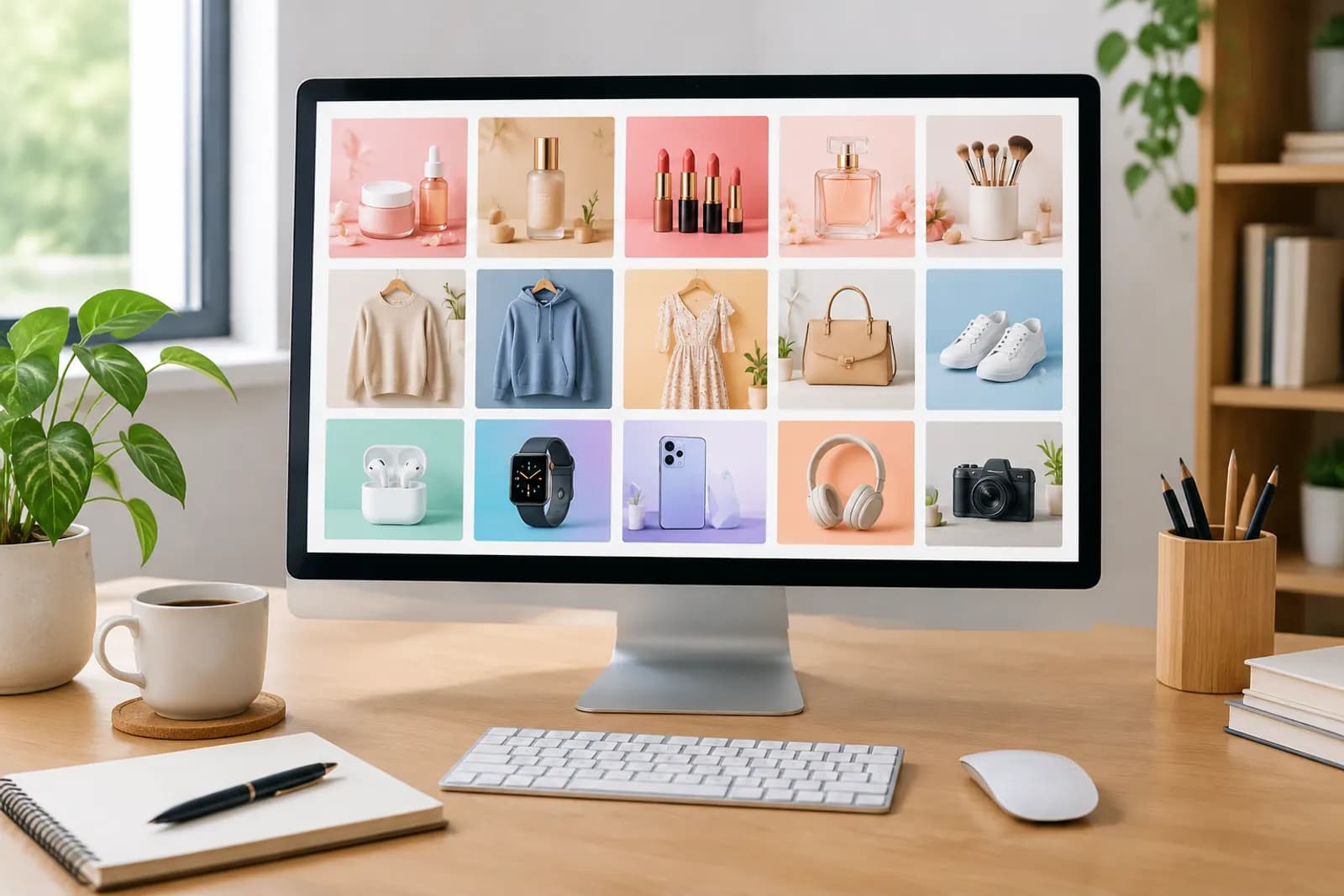
The wizard detects your product's selling points and creates a set of plan cards. There are ten plan types:
| Plan | Purpose |
|---|---|
| Hero image | The first image, product plus core benefit |
| Selling points | Two or three key benefits with text and visuals |
| Lifestyle scene | Real use, so shoppers picture themselves |
| Detail close-up | Materials and craftsmanship in macro |
| White background | Pure white, platform-compliant |
| Dimensions | Size and spec annotations |
| Comparison | Highlighting differences (never real competitors) |
| How to use | Step-by-step usage |
| What's in the box | Packaging and accessories |
| Model shot | Hand-held or worn |
You can set the number of images from 1 to 10 per run (6 by default). The count determines which plan types are chosen, and you can toggle and reorder cards on the plan board.
What the presets change
Default ratios differ by platform:
| Platform | Default ratio | Emphasis |
|---|---|---|
| Taobao / Tmall | 1:1 | Click-earning hero, benefits, scenes, white background |
| JD | 1:1 | White background, specs and dimensions, details |
| Pinduoduo | 1:1 | Big product, direct benefit |
| Douyin | 3:4 | Scenes, product in use |
| Xiaohongshu | 3:4 | Everyday settings, hand-held |
Ratios are defaults only; change them in the "marketplace and rules" step.
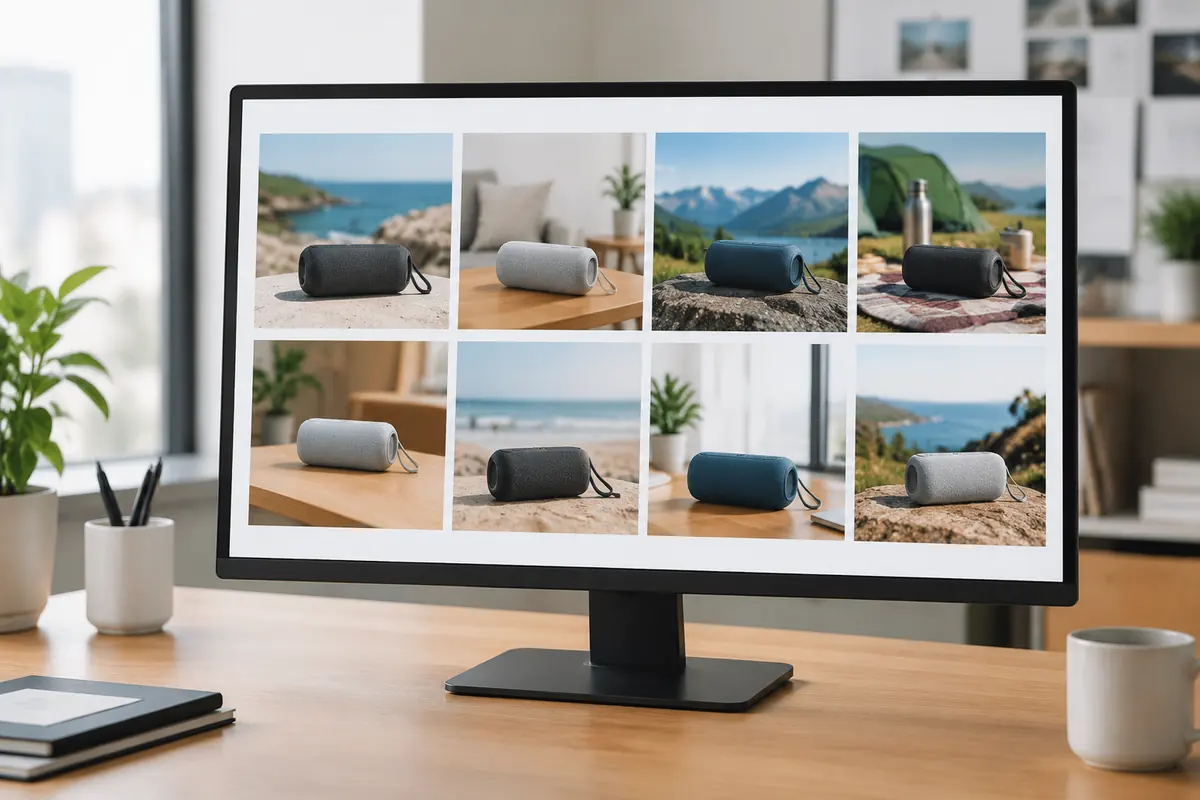
Four sets for one Bluetooth speaker
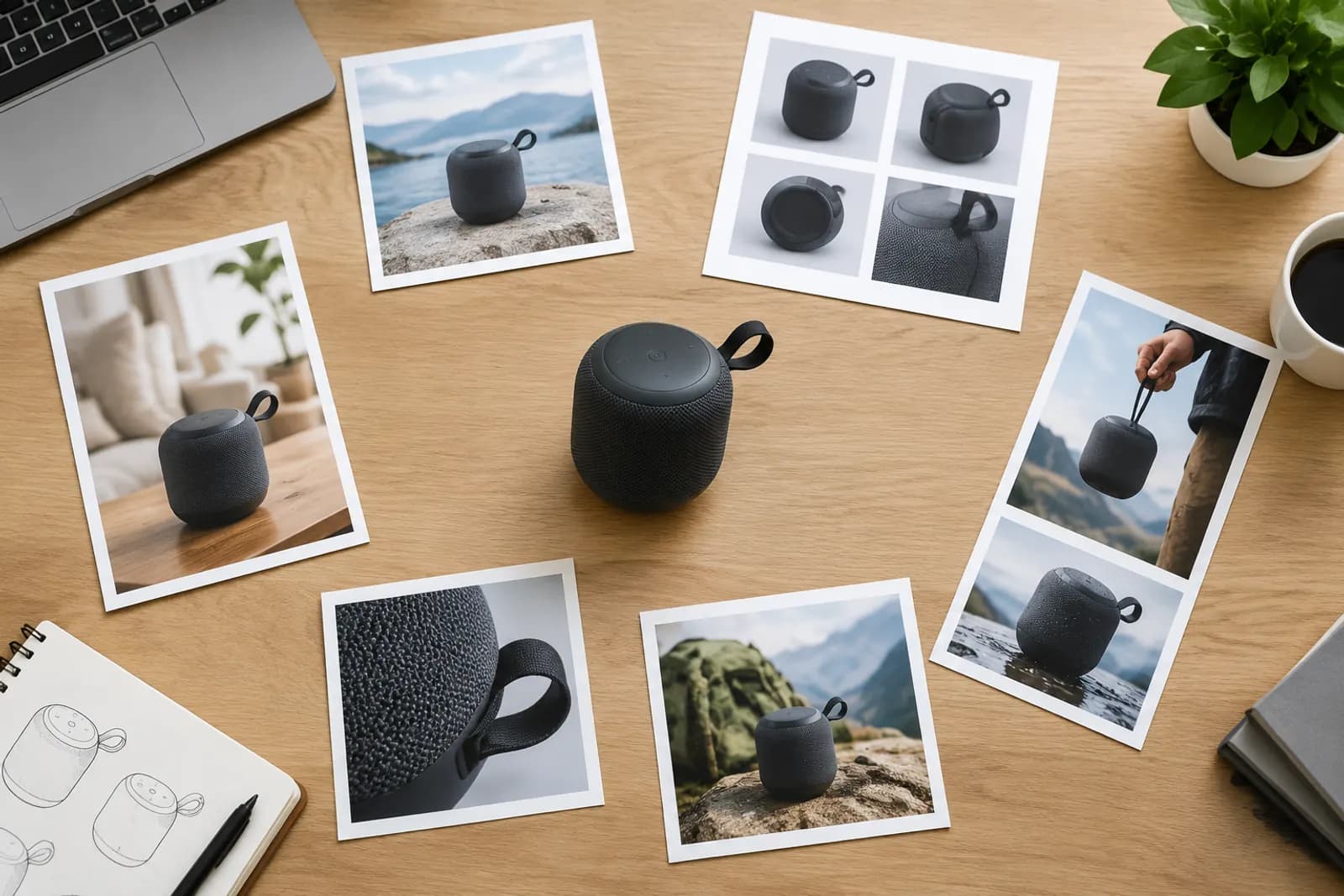
We uploaded one white-background photo of a Bluetooth speaker and entered three known benefits: waterproof, battery life (our measured figure) and a clip for backpacks. These are the plans we kept under four presets.
Taobao (1:1, 6 images)
- Hero: speaker at 45° with water splashing, showing waterproofing;
- Selling points: waterproof, battery, clip;
- Scene: on an outdoor picnic blanket;
- Detail: clip and sealed port close-up;
- White background;
- What's in the box: speaker, cable, lanyard.
JD (1:1, 6 images)
Under the JD preset we cut scenes to one, added dimensions and moved the white-background image first, matching JD shoppers' spec-first habits:
- White background (as the first image);
- Dimensions: size and weight (measured figures);
- Selling points;
- Detail;
- Scene;
- What's in the box.
Douyin (3:4, 5 images)
The ratio switches to 3:4 and plans lean towards the product in use:
- Hero: a hand clipping the speaker to a backpack;
- Scene: on a bike ride;
- Scene: playing music in the bathroom;
- Selling points;
- White background.
Xiaohongshu (3:4, 4 images)
For discovery notes we kept only everyday scenes and hand-held shots:
- Model shot: hand-held close-up on a desk;
- Scene: beside a camping tent;
- Scene: a corner of a study desk;
- Detail: material close-up.
What to adjust per platform
Presets are a starting point. From experience:
- White-background images can usually be shared across platforms; regenerate once if the ratio differs;
- Adjust selling-point copy per platform — spec-led for JD, experience-led for Xiaohongshu;
- Scenes differ most — Douyin and Xiaohongshu need more everyday settings;
- Sizes and specs must be real. Figures you don't provide are never written into images; a dimensions image without values shows lines only.
More specific plans with AI refine
You can edit each card's scene description by hand or click "AI refine plan" to get a more specific description for every card. We usually add a line or two afterwards — "outdoor lawn, afternoon side light", say — so the style matches the rest of the shop. For lighting language, see advanced prompts for light and materials.
Launching on several platforms at once
- Complete one set on your main platform's preset (say Taobao) and settle the style;
- Save that style as a template;
- Switch presets, reuse the template and existing white-background images, and regenerate only scenes and benefits;
- Check text, ratios and rules per platform.
For platform-specific main image rules, see Taobao's five main images and product images for JD.
Upload one product photo and get a full set of listing-ready visuals in minutes.
Keep reading