Combining templates: recipes for launches, livestreams, short video and Xiaohongshu
The template library has more than seventy templates across product photography, scenes, apparel, appliances, marketing, detail pages, China marketplaces, video covers and more. One template makes one image; combinations cover a whole job. Here are four combinations and the order to use them in.
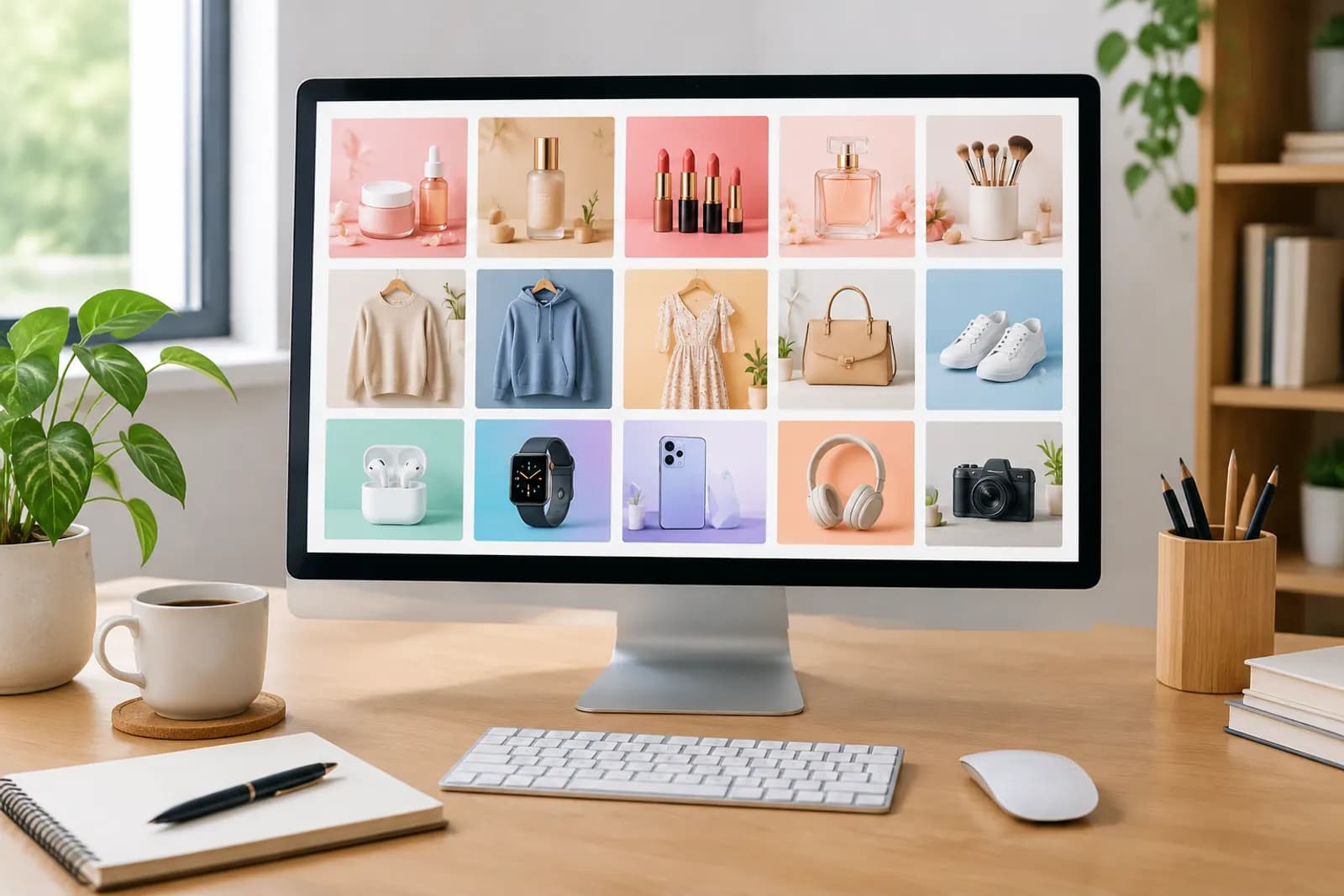
Opening the template library for the first time, people are often surprised by its size: product photography, scene compositing, apparel, models and try-on, jewellery, marketing and posters, detail pages and A+, editing and retouch, China marketplaces, video covers and frames, large appliances, small appliances, translation and localisation — more than a dozen categories and over seventy templates.
Each template solves one image. Merchants usually face a whole job: launching a product, running a livestream, posting a shoppable video, writing a Xiaohongshu note. Here are four combinations organised by job, with the order to use them in.
Combination 1: a product launch (Taobao / JD)
A launch needs a full set of main images and detail page assets. Suggested order:
| Step | Template | Output |
|---|---|---|
| 1 | Product lighting | Turns an ordinary photo into a polished base asset |
| 2 | White-background main image / JD compliant white main image | The platform's white-background image |
| 3 | Taobao/Tmall main image | The click-earning first image |
| 4 | Selling-point infographic | Two or three key benefits |
| 5 | Scene templates (e.g. home & furniture, beauty & skincare) | In-use scenes |
| 6 | Dimension diagram | Size information |
| 7 | Tmall detail first screen | The opening screen of the detail page |
The logic is base asset first. Use the lit product image as input for every later template, and the whole set shares the same product finish.
For standard products, Product image sets can plan the whole set in one go; template combinations suit cases where you want fine control image by image.
Combination 2: a livestream
A livestream needs more visuals than most people expect:
- Live room background — a backdrop design to guide the physical set, or for a virtual background;
- Live product overlay — the product info card shown on stream;
- Live cover — the cover for the announcement and room entry;
- Store homepage banner — to promote the stream on your homepage.
For overlays, prices and offers must match the linked product, and overlays mustn't cover the host or product. For building the room itself, see setting up livestream room visuals.
Combination 3: short-video selling
Short videos mainly need covers and on-screen supporting images:
- Product video storyboard grid — plan nine key shots before filming;
- Douyin/Kuaishou vertical cover — the cover when you publish;
- Shoppable caption card — benefit cards that appear in the video;
- Video end card — the final frame's call to action;
- Douyin e-commerce main image — the product card image, matched to the video.
The storyboard grid is the most underrated template here. A few minutes spent generating a storyboard makes the shoot faster and shows you early when a benefit has no matching shot.
Combination 4: Xiaohongshu discovery notes
Xiaohongshu images should feel like life, not ads:
- Natural-light hand-held product — the most authentic hand-held shot, good for covers;
- Lifestyle vlog frame — the product within everyday scenes;
- Xiaohongshu collage cover / social cover — multi-image or single-image covers;
- Product flat lay — for roundup notes.
Keep cover text minimal and let the scene show signs of real life; see Xiaohongshu note covers.
Appliances: category templates
Large and small appliances have their own categories, with templates built around product type and setting: a fridge in the kitchen and its interior storage, a washer on the balcony, an air fryer with food, a coffee machine in a home coffee corner, a robot vacuum at home. A good order for appliance sellers is white-background main image, then a feature infographic, then the matching category scene. Specs such as capacity, power and energy rating must come from the rating plate and test reports.
Filling in template parameters
Each template has its own parameters — product name, benefits, copy language, ratio. General advice:
- Use your sharpest real photo — templates aim to keep the product's shape, colour and labels unchanged, and better input means more accurate output;
- Write facts, not adjectives — "12-hour insulation" beats "amazing insulation" and avoids exaggerated claims;
- Prices must be real — when marketing templates ask for a price, enter only genuine prices and offers;
- Choose language by platform — templates support Chinese, English, Japanese, Korean and more; use Chinese for domestic platforms.
What to check afterwards
- Product shape, colour, logo and labels match the real item;
- On-image text is correct, with no typos;
- No absolute or unprovable claims;
- Ratios fit the target platform;
- Style is consistent across the set.
Save the combinations you reuse
If every launch uses the same combination, save your tuned parameters and style for next time. It saves time and keeps batches consistent — and as we argue in our brand visual consistency guide, consistency is a big part of looking professional.
Upload one product photo and get a full set of listing-ready visuals in minutes.
Keep reading