How to write prompts for product images: a reusable six-part structure
Same product photo, very different results — it all comes down to the prompt. Here is a six-part structure (subject, scene, light, composition, style, constraints) with ready-to-use examples.
The first time many people generate a product image they write "a nice product photo" — and get unpredictable results. A good prompt reads like a shot list for a photographer: what to shoot, where, how it is lit and how it is framed.
The six-part structure
- Subject: what the product is and its key visual traits (material, colour, shape);
- Scene: where it sits and which props surround it;
- Light: natural or studio, direction, time of day;
- Composition: camera angle, framing, position and size of the product in frame;
- Style: minimal, premium, warm lifestyle, tech…;
- Constraints: what must not appear — "no text, no watermark, keep the bottle label unchanged".
Examples
Perfume hero image
A clear glass perfume bottle with a gold cap on a light beige stone counter, a few white petals beside it; soft window light from the left casting a natural shadow; 45° top-down angle, product centred filling 70% of the frame; premium, clean style; no text, keep the label sharp and undistorted.
Headphones scene
Black over-ear headphones on a wooden desk, blurred city-at-night window behind; warm desk lamp from the right; eye-level angle, product on the right third; urban, calm mood; no other brand logos.
Common mistakes
| Mistake | Problem | Better |
|---|---|---|
| "A fancy image" | Vague style | "Dark background, metallic texture, low-angle hard light" |
| Twenty adjectives | They contradict each other | One or two key descriptors per part |
| No constraints | Garbled text appears | Say "no text, no watermark" explicitly |
Let AI write it for you
On the Image generation page, type a short description and open the prompt assistant to write, polish, enrich or translate it in one click — your @-referenced images are kept. Save good prompts as templates, and see what each tool supports on the features page. For the full process, read the AI product photography workflow.
Upload one product photo and get a full set of listing-ready visuals in minutes.
Keep reading
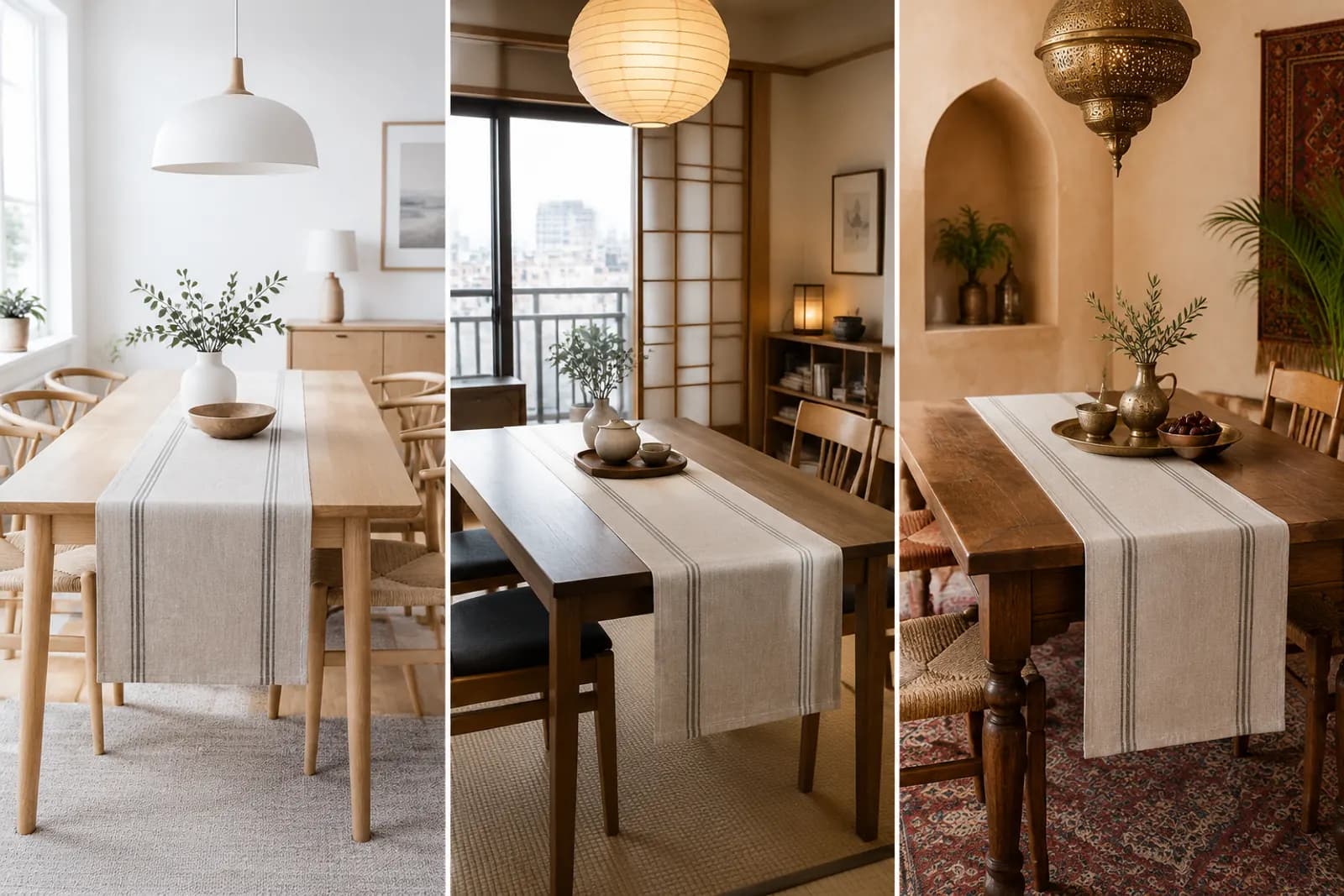
Choosing scene styles for home décor: cream, natural wood, new Chinese — start with your buyer's home
Read article