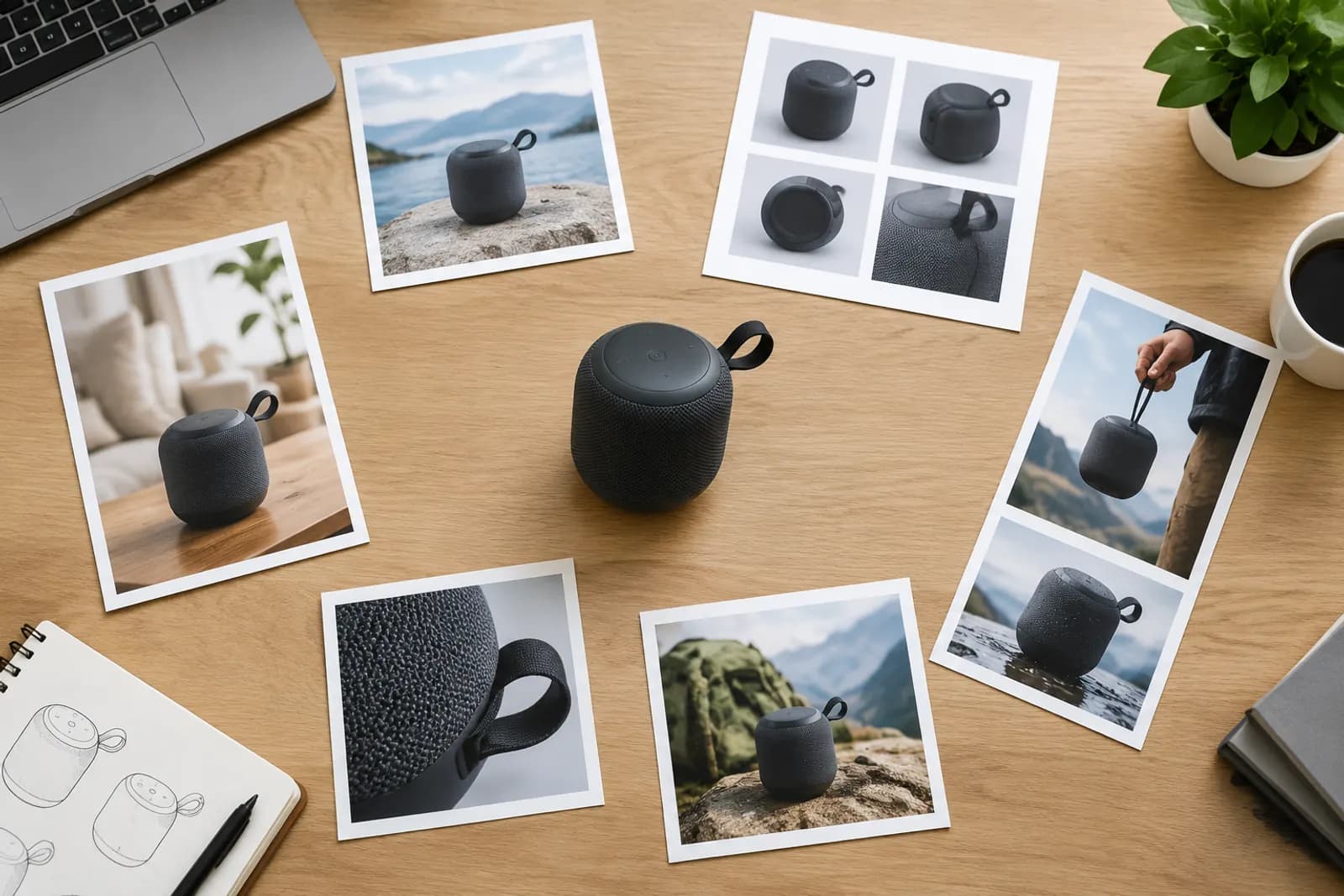
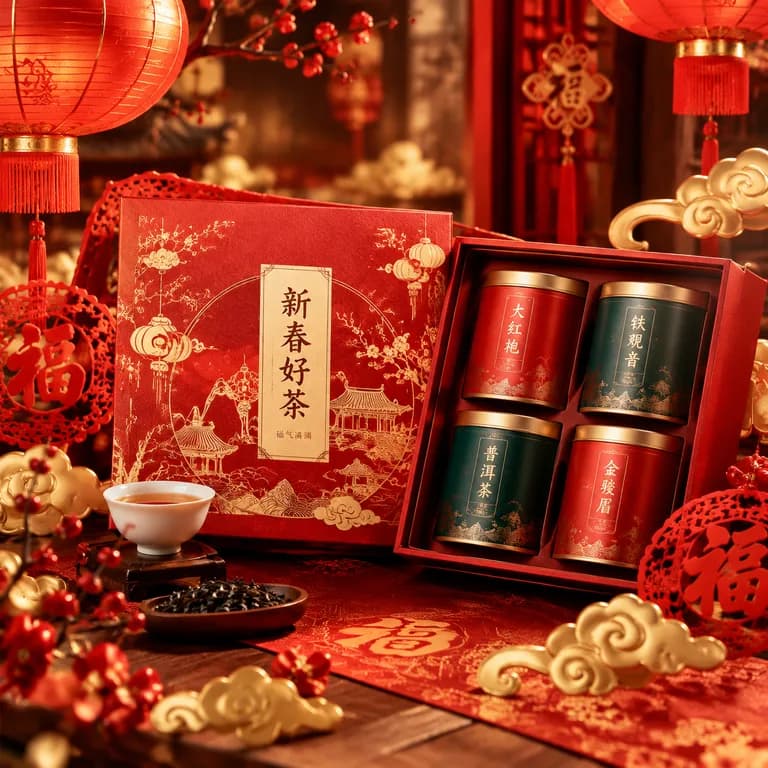
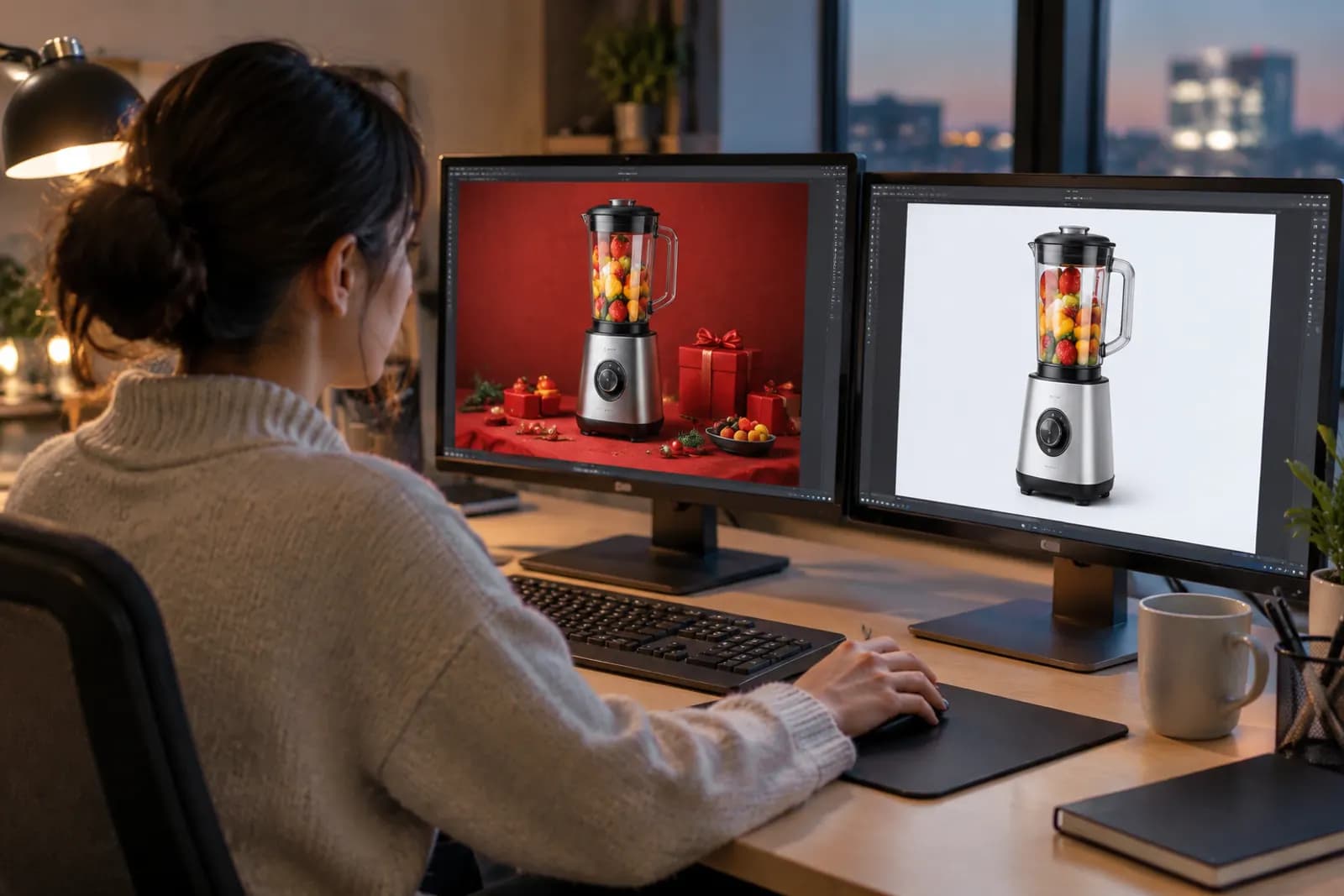
New: the Product image set wizard plans a full visual set to marketplace rules
Upload one product photo, choose marketplace, country and language, and AI plans the hero, benefit, scene and detail images. Edit the plan, batch-generate and download as a zip.
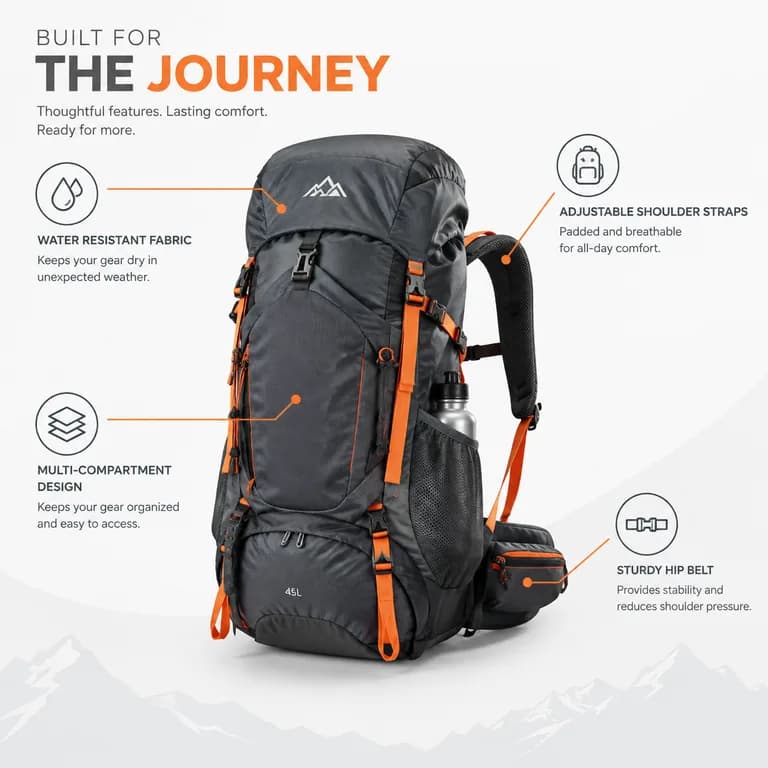
Producing a full set of product images used to mean writing a shot list and designing image by image. The Product image set wizard turns it into four steps.
A full set in four steps
- Product info: upload one or more product photos and drag to reorder — the first is the main one;
- Marketplace and rules: choose marketplace, country and language; recommended ratios and image counts fill in automatically;
- Plan board: after detecting your key benefits, AI creates plan cards — white-background hero, benefits, scenes, details, dimensions… Edit titles and descriptions, reorder or switch cards off;
- Batch generation: generate everything in one click, watch progress live and download a zip when done.
Supported marketplaces
Besides a general preset, built-in rules cover Taobao / Tmall, JD, Pinduoduo, Douyin, Xiaohongshu, Alibaba 1688, Amazon, Shopee, TikTok Shop, Shopify and Rakuten. Ratios, counts and language adapt to the marketplace and country; still double-check the latest rules before publishing.
Plans you can trust
- Benefit, dimension and comparison plans never invent facts — specs you did not provide are not written into images;
- Dimension images without measurements show lines only, no numbers;
- Comparison images never show real competitors.
Tips
- Use "AI refine plan" to write a more specific scene description for every card;
- Go back to any step of a finished task to edit and regenerate;
- Save a style you like as a template for the next launch.
Try it now in Product image sets or browse AI-generated examples first. Concurrency and credits by plan are on the pricing page, and common questions are answered in the FAQ.
Upload one product photo and get a full set of listing-ready visuals in minutes.
Keep reading