Mercado Libre photo rules: white main images, text limits and Brazil vs Mexico
Mercado Libre is stricter about main images than many sellers expect, and image quality affects visibility. Here are the common rules for main and secondary images, Portuguese vs Spanish localisation, and the traps when reusing images from other marketplaces.
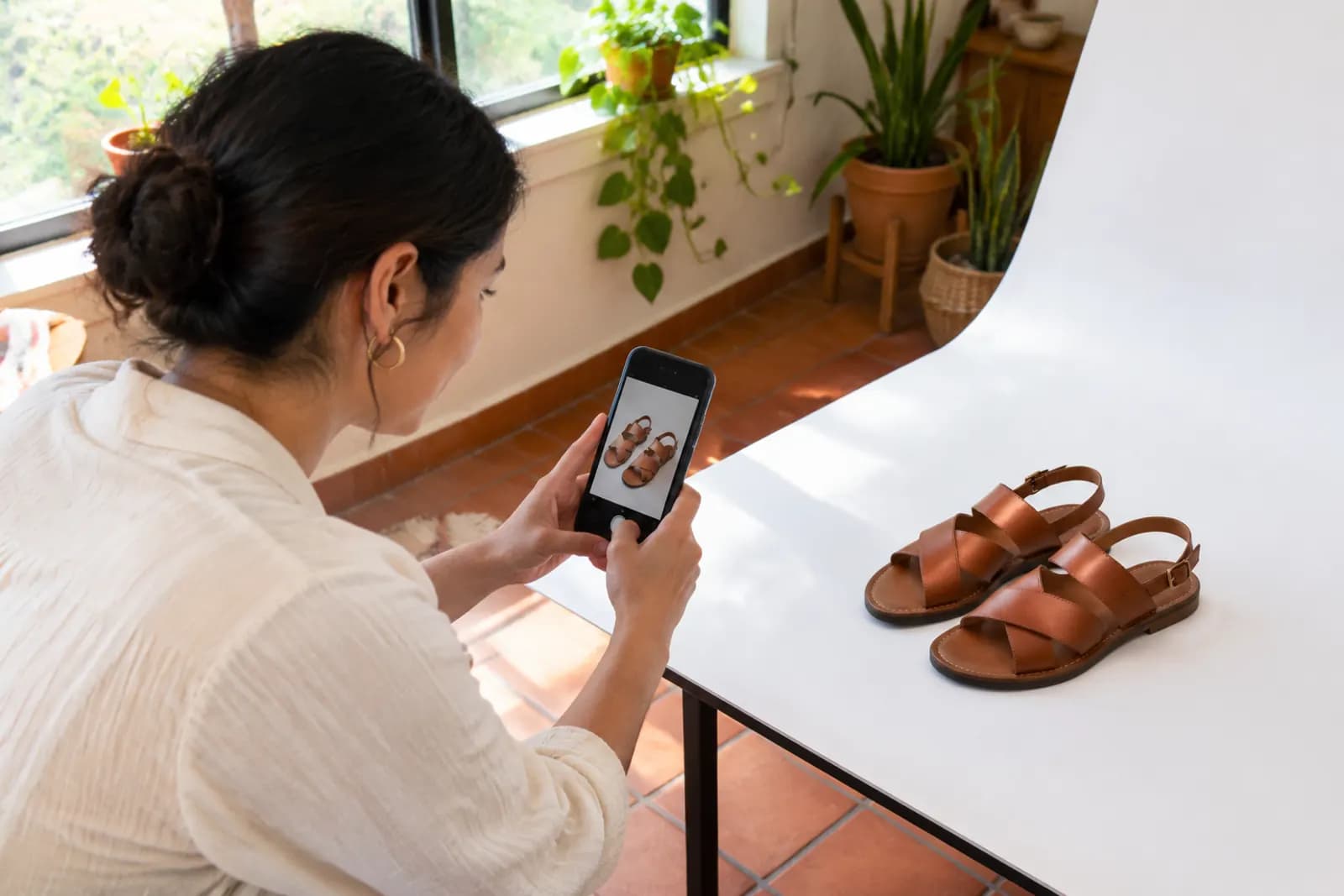
Many sellers entering Latin America copy their Amazon or AliExpress images straight onto Mercado Libre. Listings usually go live, but visibility and conversion disappoint, and the seller dashboard flags images for quality improvements.
Mercado Libre has its own image quality standards and shows quality prompts for each listing. Falling short doesn't necessarily remove a listing, but it can affect how it performs in search. Better to build to the rules from the start than wait for warnings.
The rules below come from our own listings and Mercado Libre's public seller help. They can differ by site and category, so check the seller centre for current guidance.
Main image: pure white is the baseline
The main image rules resemble Amazon's, but some details are enforced more strictly:
| Item | Common requirement |
|---|---|
| Background | Pure white, no shadow or gradient (some categories differ) |
| Content | Only the product being sold, no unrelated props |
| Text | No text, logos, watermarks or promo badges |
| Borders | No borders or collages |
| Size | 1200 × 1200px or larger recommended for zoom |
| Ratio | Square is most common |
| Sharpness | In focus, no blur or visible compression |
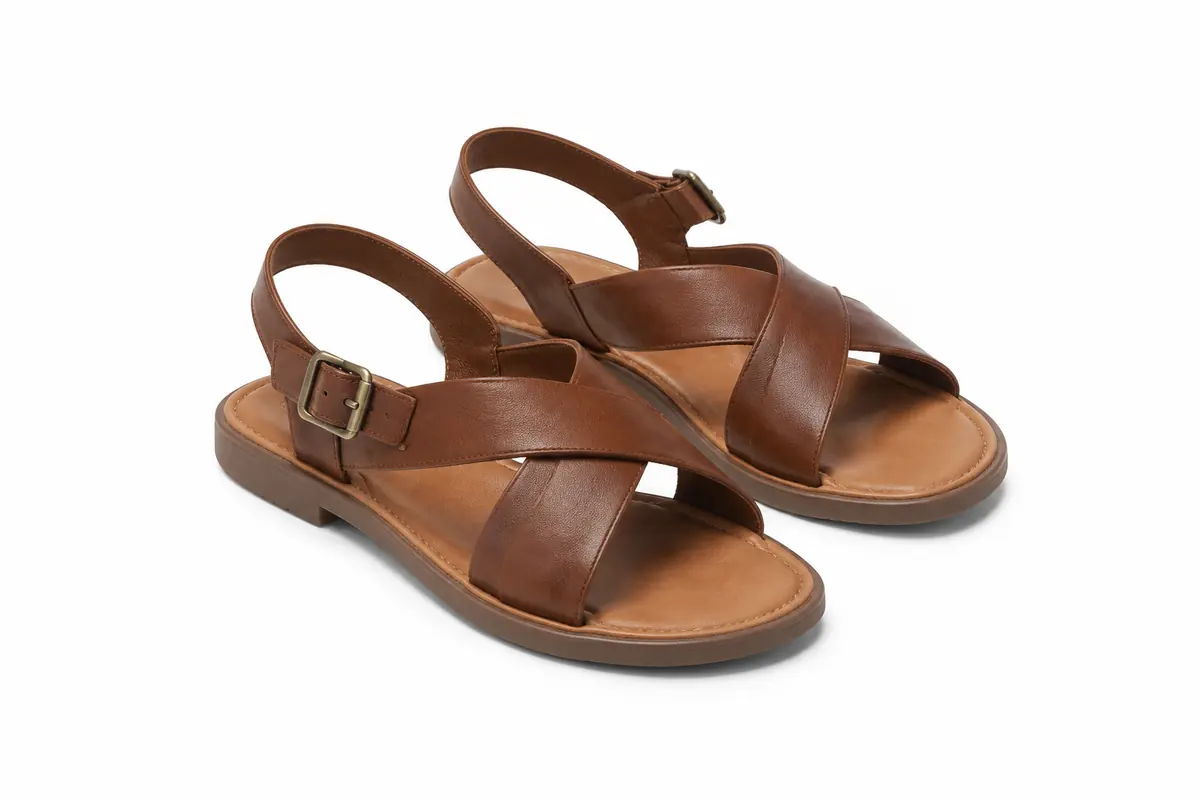
The one that catches people most is "no shadow". Plenty of sellers keep a soft natural shadow under products on white. That's usually fine on Amazon, but on Mercado Libre it can trigger a background warning. If you see a quality prompt, check shadows first.
Secondary images: use and detail
Secondary images are more flexible: lifestyle, details and size information are all fine. Our usual order:
- Two or three more white-background angles;
- One or two lifestyle images;
- Close-ups of material, ports or finish;
- Size or spec information;
- A flat lay of box contents.
Any text on secondary images should be in the site's language. We still see English and even Chinese left on images; English isn't widely read by Latin American shoppers, so those images do little.
Portuguese and Spanish: more than translation
Brazil uses Portuguese; Mexico, Argentina, Chile, Colombia and others use Spanish. Points that get overlooked:
- Portuguese and Spanish aren't interchangeable. They're similar, but a Brazilian shopper seeing Spanish text knows immediately the listing wasn't made for them.
- Spanish varies by country. The same product may have different everyday names in Mexico and Argentina. Adjust titles, keywords and image text per site.
- Units. Metric throughout: centimetres, kilograms, grams.
- Power specs. Voltages and plug types vary by country, and Brazil has its own plug standard. Any plug shown in an image must match what you actually ship.
Common problems with reused images
Most image quality prompts we've reviewed fall into these groups:
- Main image with a shadow or grey background — fine elsewhere, flagged here;
- Main image with text or badges — "free shipping", "new" and the like carried over from other marketplaces;
- Collage main images — several colours in one main image;
- Low resolution — compressed images saved from web pages, blurry when zoomed;
- Wrong language on secondary images — untranslated English or Chinese;
- Mismatched plugs and accessories — EU or US plugs pictured, something else shipped.
Products with several colours
Mercado Libre supports variations, and each colour or spec can have its own images. Give every variation its own white-background main image rather than a collage of colours. When a shopper picks a colour, they should see a real photo of that colour.
A Mercado Libre image workflow
- Start from originals — camera files or high-resolution images, not versions compressed by another marketplace;
- Process main images consistently — cut out, pure white background, no shadow, product centred and filling most of the frame;
- Localise secondary images — translate text into Portuguese or Spanish per site and have a native speaker check the key benefits;
- Verify specs — plugs, voltage and units match what ships;
- Review quality prompts after listing and work through each one.
For main images in bulk, AI cutout with white output fills the background with pure white and no shadow. Text on secondary images can be converted with image translation, followed by a human check.
A note on visual taste
One observation from experience, not a rule for every category: Latin American shoppers respond well to bright, lived-in lifestyle images. Family, friends and outdoor settings tend to do better than minimal, cool styling, and scenes that look like local homes feel more familiar than imported European or Asian interiors.
If you run several marketplaces at once, the workflow in Shopee and Lazada image localisation — one master design with per-site text swaps — cuts a lot of duplicated work.
Upload one product photo and get a full set of listing-ready visuals in minutes.
Keep reading
Amazon main and additional image requirements: white background, fill ratio and size
Read article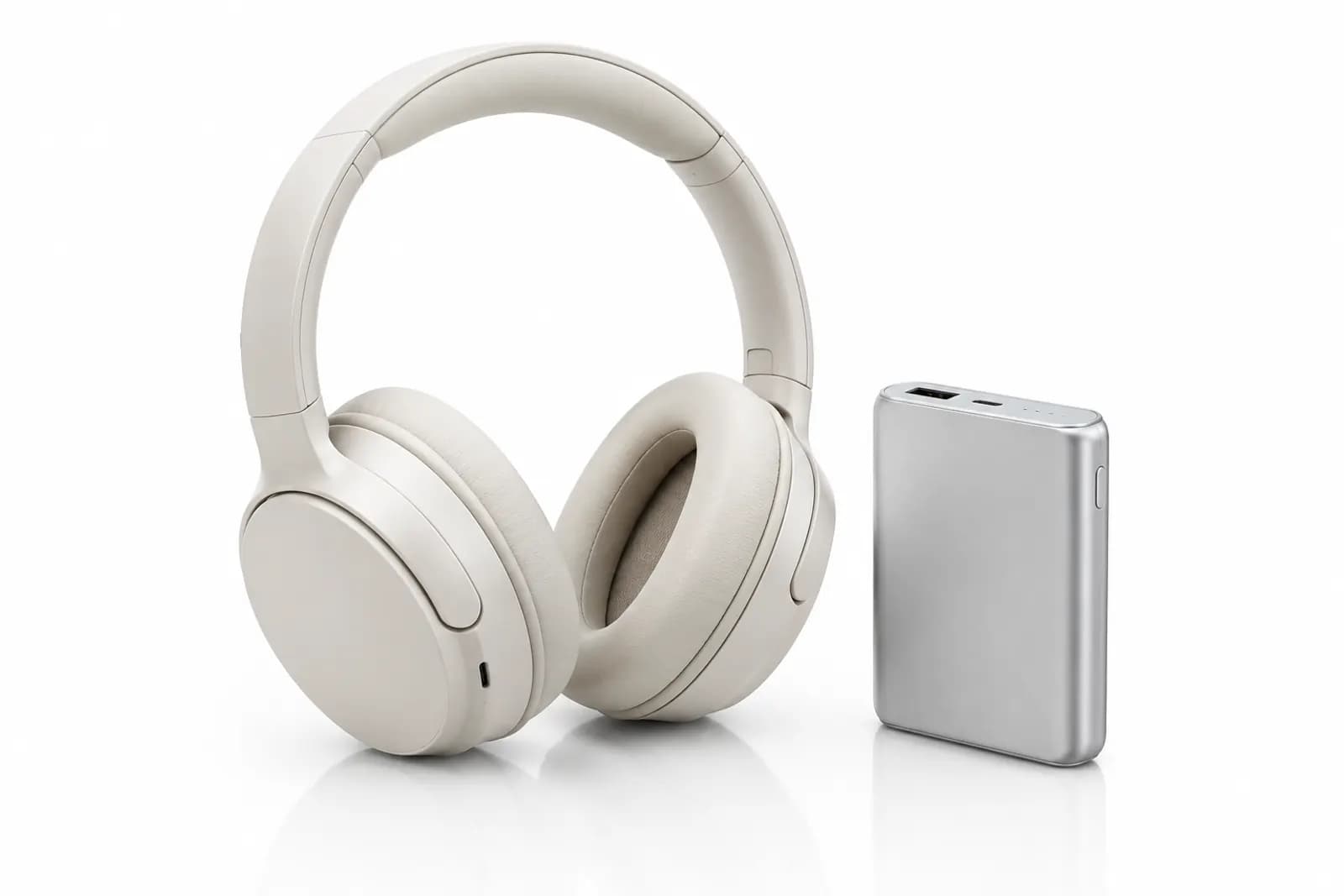
Product images for JD.com: white main images, clear specs and a rational buyer
Read article