Product images for JD.com: white main images, clear specs and a rational buyer
JD shoppers compare specs and check after-sales service, especially in electronics and appliances. Atmospheric Taobao-style main images often fall flat there. Here are JD's common main image rules, how to write spec images, and the limits on service claims.
The same product often can't use identical images on Taobao and JD. Platform rules differ, but so do the shoppers.
JD's core audience is deeply rooted in electronics, home appliances and household goods, and many arrive with a clear purpose: compare specs, compare prices, check delivery and after-sales. A moody main image with poetic copy does less here than a clean spec comparison.
Common main image rules
Requirements vary by category and store type (JD first-party versus third-party marketplace stores). These are common practices for third-party stores; check the merchant back end and category rules for current specifics:
| Item | Common requirement |
|---|---|
| Ratio | 1:1 |
| Size | At least 800 × 800px; 1000px+ recommended for zoom |
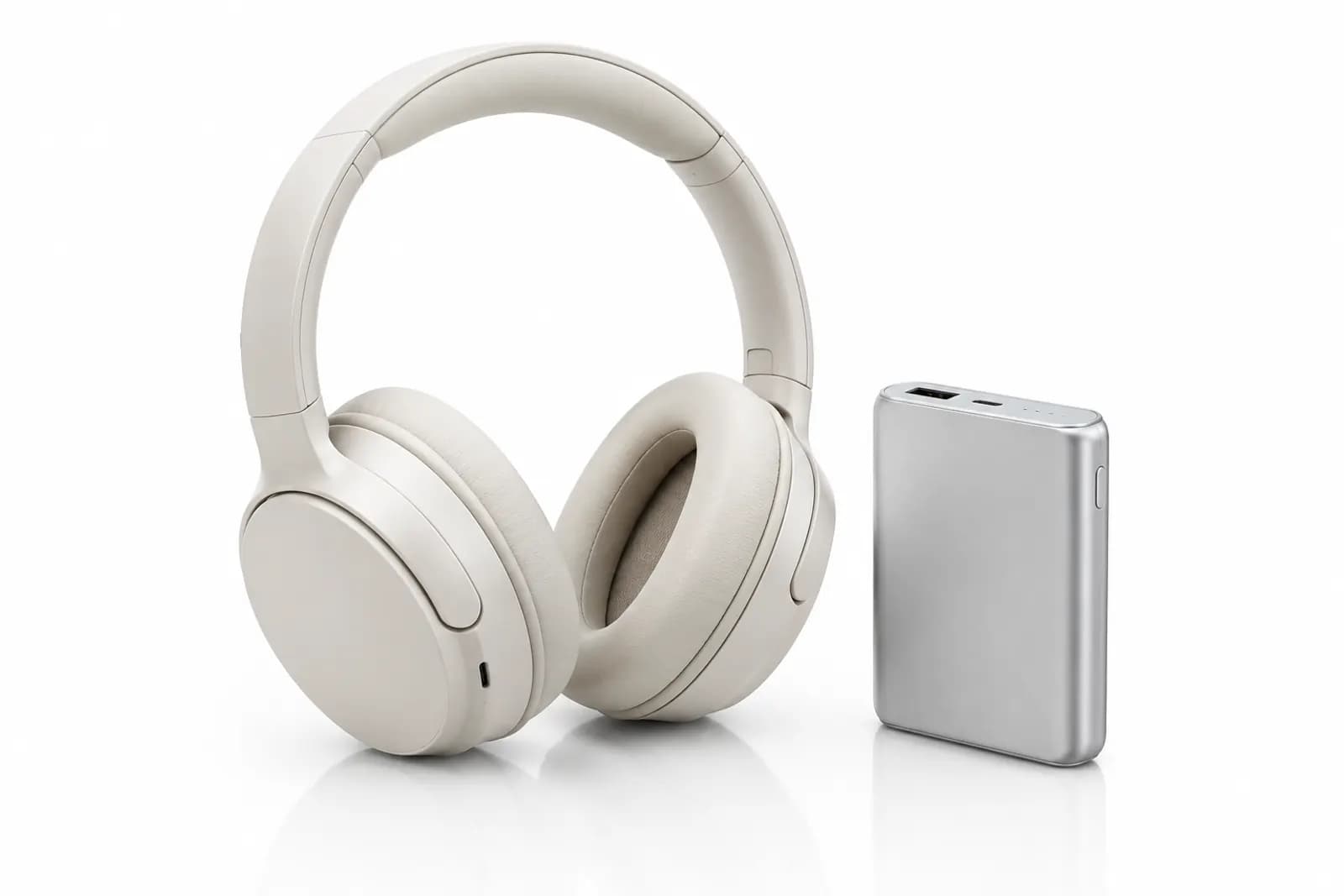
| First image background | White required or recommended in many categories; product clear and complete |
| Text and watermarks | Avoid large text blocks and promotions on the first image; no cluttered overlays |
| Count | Several main images; check the back end for the limit |
In many standardised categories JD enforces a "clean" first image more strictly than other platforms. If your Taobao first image carries a lot of benefit text, prepare a clean version before moving it to JD.
The first image: white doesn't mean dull
White-background first images on JD look alike. How do you get yours opened?
- Angle: a 45° view usually looks more three-dimensional and shows front and side at once;
- State: appliances shown switched on — screen lit, indicator glowing — look more appealing than switched off;
- Bundle: if the set is the selling point, show the full set (matching what ships);
- Surface quality: for metal and glass, highlight and reflection handling sets the first impression. Control highlights so they don't blow out, and don't retouch into a plastic look.
Spec images: what JD shoppers look at most
In JD's electronics and appliance categories, spec images matter as much as the first image. Shoppers flip between candidates comparing numbers. Principles for writing them:
1. Only specs that matter to buyers
For an air purifier, CADR, room size, noise and filter life are what people compare. "Advanced craftsmanship" and "selected materials" carry no information.
2. Consistent everywhere
The numbers in the spec image, the product attributes and the detail page must match exactly. Mismatches raise doubts and can be treated as false advertising.
3. Translate numbers into meaning
"CADR 400 m³/h" means little to many buyers; add "suits a room of about X m²" (based on your test report). A noise figure can carry a comparison, as long as it's accurate.
4. Compare only your own models
Comparison tables of your own models help buyers choose. Don't show competitor brands or use unprovable claims like "beats everything in its class" — China's Advertising Law restricts absolute claims and disparaging other products.
Limits on service claims
JD shoppers value service, and many stores add "genuine guarantee", "7-day no-reason returns" or "home installation" to images. Be careful:
- Only show services you actually provide and that comply with platform rules. Confirm home installation is really offered in the regions and categories concerned.
- Platform services are shown by the platform. Delivery times and price protection displayed by JD on the product page shouldn't be promised in your own images with specific terms that may not match.
- After-sales policies must match store settings. "30-day exchange" in an image with a 15-day setting in the store is a problem waiting to happen.
Moving images from Taobao to JD
Many merchants run both, and asset reuse is common. When moving images, check:
- Whether the first image needs a clean white-background version;
- Taobao-specific campaign marks, shop names or promotions left in images;
- Copy tone — shift from lifestyle "recommendation" style to spec-led;
- Ratios and sizes;
- Service promises matching your JD store settings.
A main image set for JD
For an air purifier:
- White-background first image: 45°, switched on;
- Core spec image: CADR, room size, noise;
- In-use image: bedroom or living room, showing placement and scale;
- Filter structure: layered view (matching the real product);
- Model comparison: specs across your own models.
Working faster
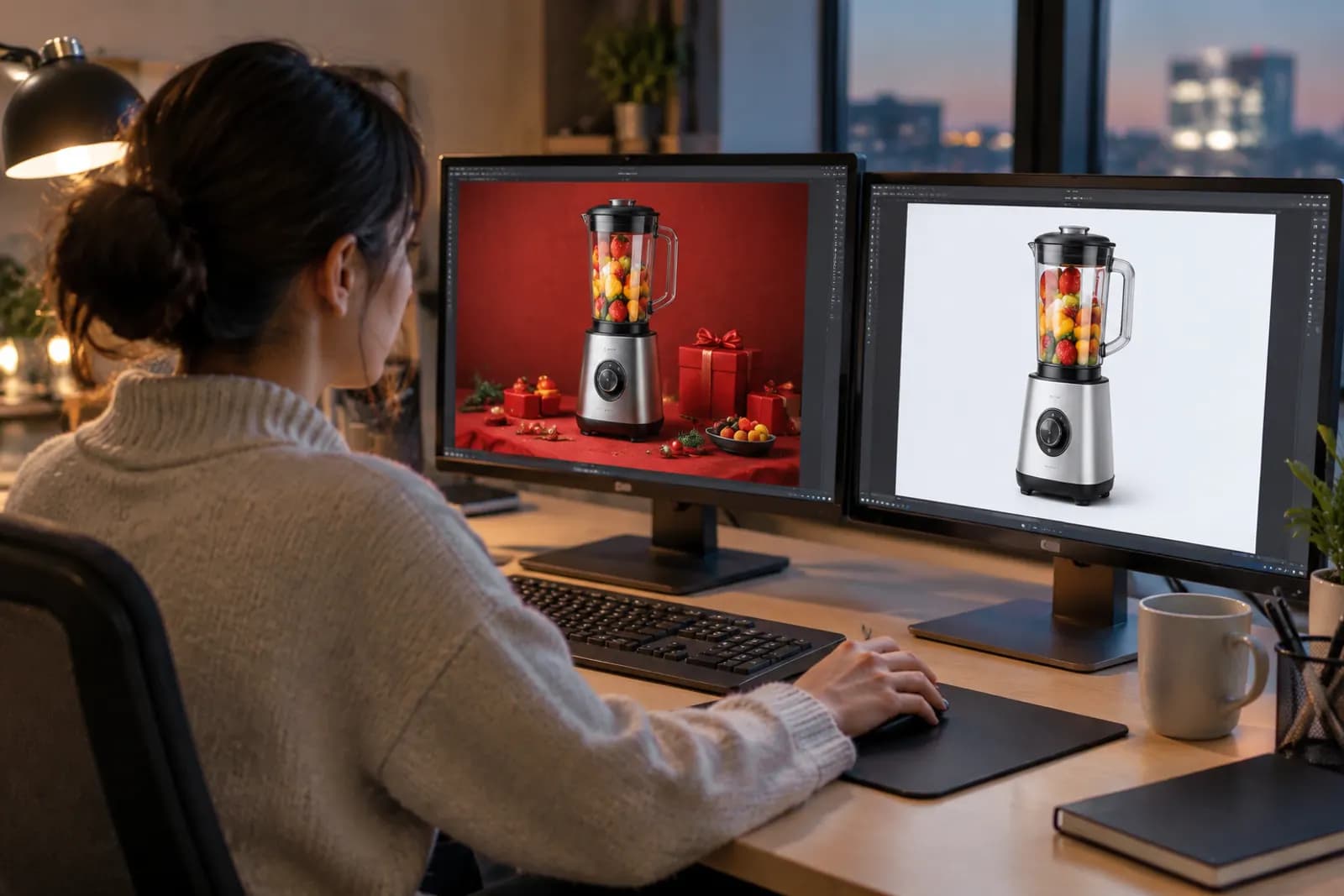
Process white-background first images with AI cutout, then use Retouch to control reflections on metal and glass. Spec images are best built from one template by a designer so every product looks consistent. For reusing one asset set across platforms, see platform presets in the image set wizard; the JD preset leans toward white backgrounds and spec-led images.
Upload one product photo and get a full set of listing-ready visuals in minutes.
Keep reading