Arabic product images: right-to-left layout, joined letters and numerals
Arabic runs right to left and its letters change shape to join each other. Swap English text for Arabic in an existing design and you often get disconnected letters, backwards layouts and jumbled model numbers. Here's what to mirror and what never to flip.
Middle Eastern marketplaces are attractive for basket size and growth, and when sellers launch in Saudi Arabia or the UAE, the first instinct is often to replace the English text on existing images with Arabic. To someone who doesn't read Arabic the result looks fine. An Arabic reader sees immediately that something is wrong: letters sit apart as if spelled out from an alphabet chart, the layout still reads left to right, and model numbers wander around the sentence.
Arabic typesetting differs from both Chinese and English in three ways you need to understand: right-to-left direction, letters that join and change shape, and rules for mixing numerals and Latin text.
1. Right to left: mirror the layout
Arabic reads from right to left, and the eye starts at the top right. Benefit images and infographics usually need a mirrored layout:
| Element | English | Arabic |
|---|---|---|
| Headline | Top left | Top right |
| Text alignment | Left | Right |
| Step order | 1→2→3 left to right | 1→2→3 right to left |
| "Next" arrow | Points right | Points left |
| Product and text | Product right, text left | Product left, text right |
| Before/after | Before left, after right | Before right, after left |
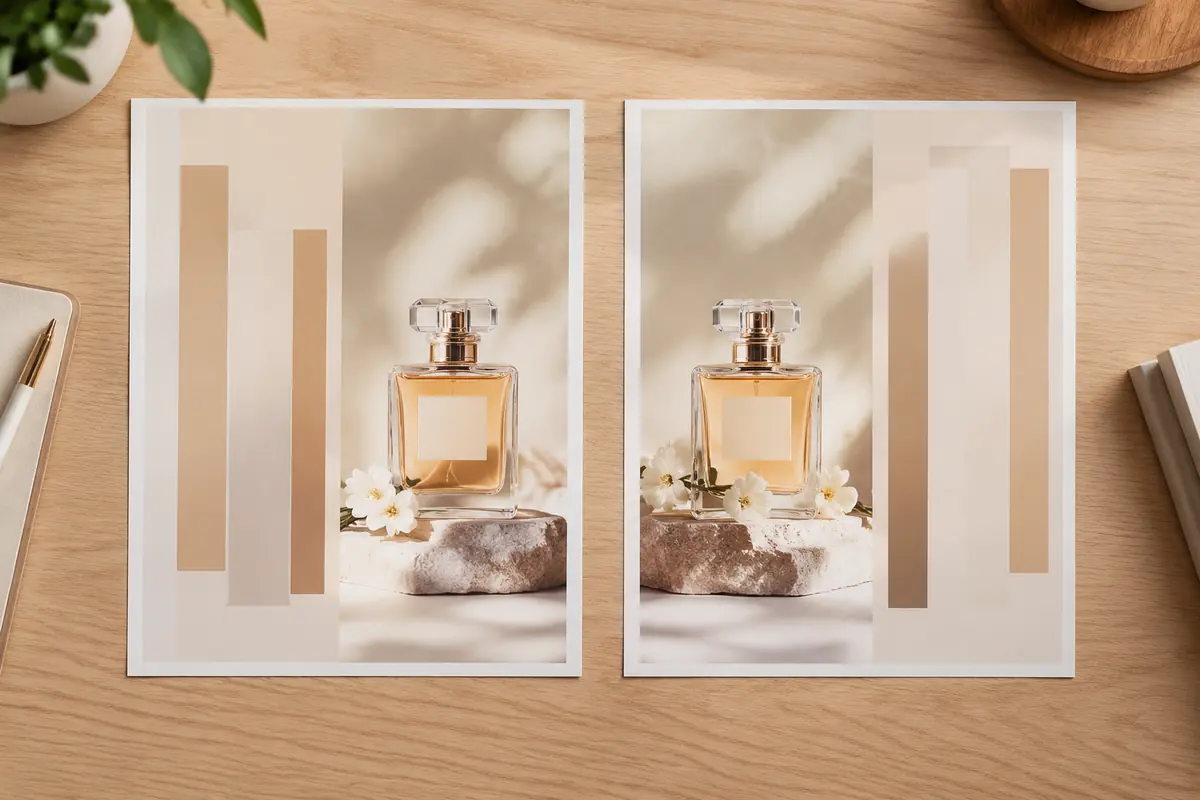
What must never be mirrored
You mirror the layout, not the product. Don't flip:
- Product photos. Text and logos on the product reverse, and buttons and switches land on the wrong side. A watch crown, a camera shutter, the button side of a shirt — all stop matching the real item.
- Brand logos. Move them; never flip them.
- People. Flipping can put clothing details and accessories on the wrong side.
- Clocks and numeric icons. A mirrored clock icon has its hands running backwards.
If the product needs to face the other way, reshoot or regenerate it facing that way.
2. Joined letters: where the "gibberish" comes from
Most Arabic letters connect to their neighbours, and each letter takes a different form at the start, middle or end of a word, or standing alone. Displaying it correctly requires text shaping support.
Software or fonts without it show every letter in its isolated form, often in the wrong order too. That's why many sellers' Arabic images look like gibberish: the letters are right, but they're not joined and they run the wrong way.
What to do:
- Use software that supports Arabic typesetting, with the right text engine enabled (some design tools require turning on Middle Eastern text support);
- Use fonts with full Arabic coverage, such as the open-source Noto Naskh Arabic, Noto Kufi Arabic, Cairo or Tajawal;
- Don't copy Arabic from a web page and paste it into software that can't shape it — that's how letters come apart or reverse;
- Have a native speaker check the final image. There's no shortcut here.
3. Numerals and mixed text
Arabic contexts use two sets of digits: Eastern Arabic numerals (٠١٢٣٤٥٦٧٨٩) and the Western digits (0123456789). Both appear on Gulf e-commerce pages, and many marketplaces and brands use Western digits for prices and specs. Our advice:
- Use one numeral system per image;
- For prices, sizes and model numbers, follow what the target marketplace's own pages use;
- Latin text such as model names keeps left-to-right direction inside an Arabic sentence. Software usually handles this, but check complex lines.
A common mistake: an English model number or a value embedded in an Arabic sentence ends up in the wrong place, or a number and its unit swap positions. Native readers catch this in seconds; others rarely do.
4. Cultural and visual considerations
Beyond text, some visual points matter in the region (always defer to the specific country and marketplace rules):
- Model styling: for apparel and beauty, choose modest styling and avoid revealing outfits;
- Props: avoid alcohol, pork products and anything likely to cause offence;
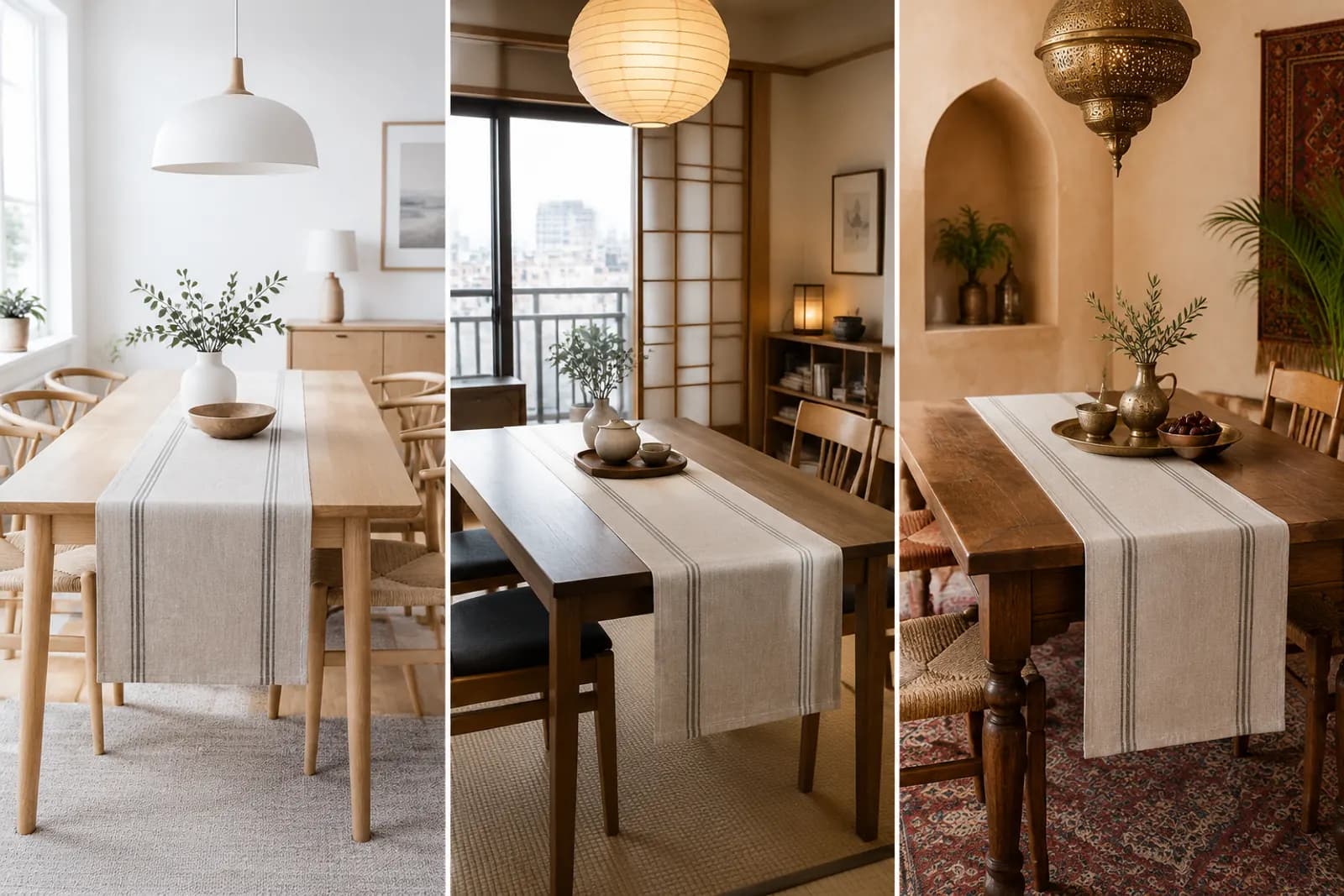
- Home settings: Gulf interiors differ from Western ones — larger spaces, symmetrical layouts and warm gold tones feel more familiar;
- Seasonal campaigns: Ramadan and Eid are among the most important shopping periods of the year; prepare assets early and confirm dates against local religious announcements.
5. Arabic image checklist
- Layout mirrored, reading order right to left;
- No accidentally flipped product photos, logos or people;
- Arabic letters correctly joined, none standing apart;
- Font fully supports Arabic, no boxes or fallback glyphs;
- One numeral system throughout;
- English model names and brands sitting correctly within sentences;
- Text legible on a phone;
- Models and settings appropriate for the market;
- Final version approved by a native Arabic reader.
An efficient workflow
Arabic versions cost more to produce, which makes planning for RTL at the master design stage worthwhile:
- Keep text on separate layers in the English master, and use structures that mirror easily (two columns rather than complex asymmetric layouts);
- For Arabic, mirror the layout first, then replace text;
- Keep product photos in their original orientation, and prepare separate assets where the composition needs the product facing the other way;
- For finished English images, generate an Arabic draft with image translation, then have a native speaker check joining and word order;
- Regenerate lifestyle scenes in a Gulf home style with AI generation rather than reusing Western interiors.
For layout problems in Southeast Asian languages, see Shopee and Lazada image localisation.
Upload one product photo and get a full set of listing-ready visuals in minutes.
Keep reading