An AI product photography workflow: from phone snapshot to studio shot
No studio, no retoucher. With a phone and the right workflow, one SKU's full visual set takes 30 minutes.

No studio, no retoucher. With a phone and the right workflow, one SKU's full visual set takes about 30 minutes. Here is the four-step method we refined with hundreds of stores.
Step 1: shoot a clean original
Use a white wall or sheet of paper near a window with natural light. Face the product to the camera with crisp edges and nothing in the way. The cleaner the input, the better the AI reads materials and outlines.
- Turn off beauty modes and filters so colours stay true;
- Keep the lens level with the product to avoid perspective distortion;
- For transparent or reflective materials (glass, metal), shoot a few extra angles.
Step 2: retouch first, then change scenes
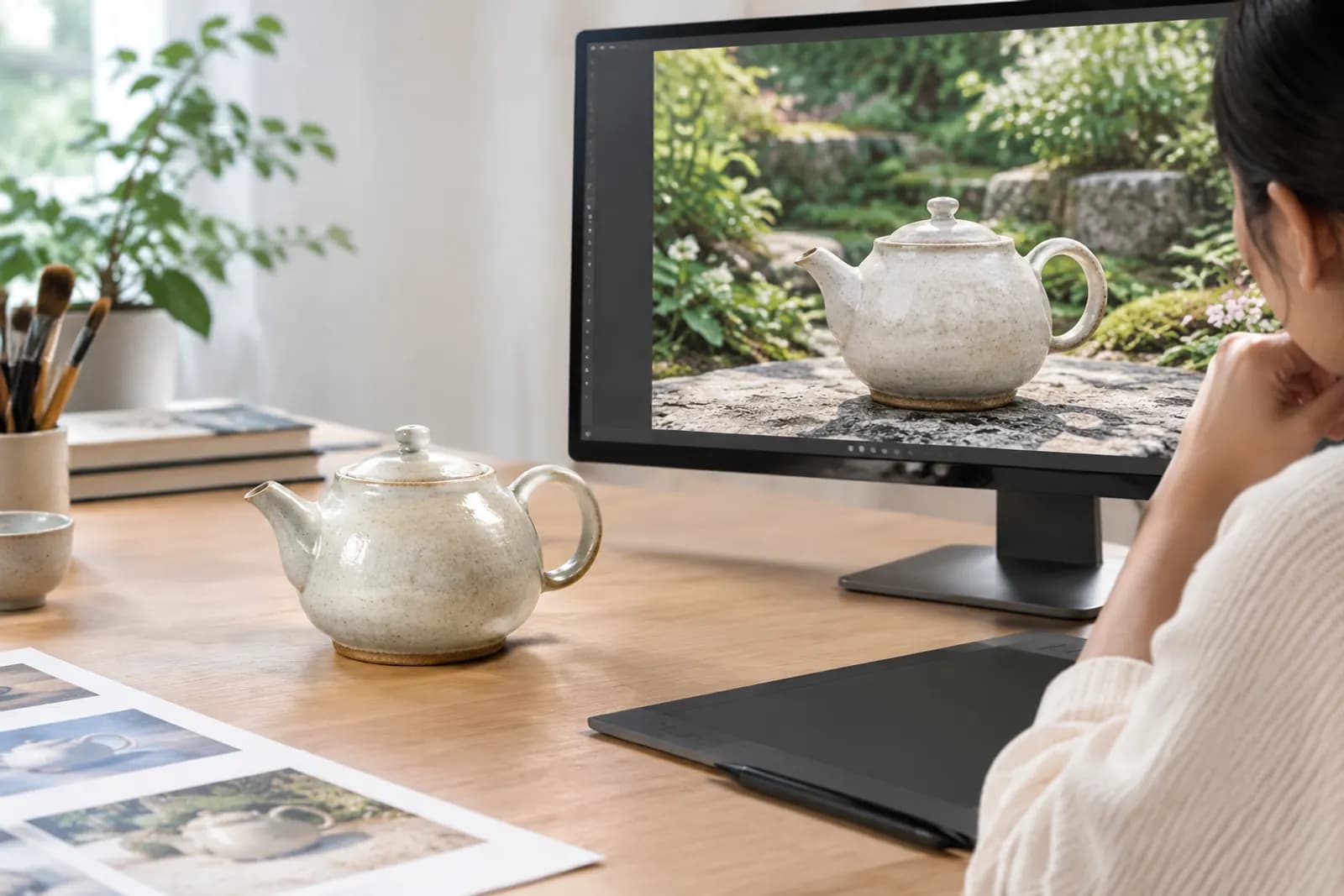
Run Product retouch to remove clutter, fix colour and rebuild shadows into a clean white-background shot. Use it as the base for every scene so the product stays faithful. The white-background shot doubles as your compliant main image — see the Amazon main image requirements.
Step 3: compose scenes with @-mentions
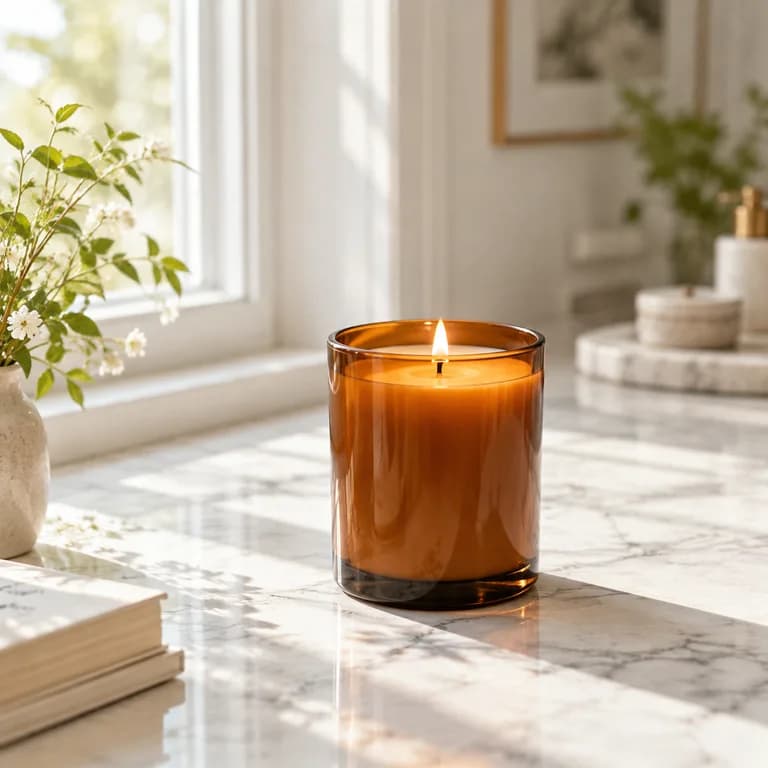
In Image generation, upload the retouched shot and a scene reference, then write: "Place @product on the marble counter from @scene, soft morning side light." The AI understands how the two relate and composes naturally.
Tip: drag references to reorder them — earlier images carry more weight.
For more reliable prompts, read the six-part prompt structure for product images.
Step 4: save as a template and reuse
Save a result you like as a Template. Next launch, just swap the product image to get a consistent series. Teammates can share templates to keep the store on-brand.
Cost comparison
| Approach | Time per SKU | Cost per image |
|---|---|---|
| Outsourced studio + retouching | 3–7 days | tens to hundreds of CNY |
| AI workflow | ~30 minutes | a few CNY in credits |
See pricing for exact credit costs; credits for failed generations are refunded automatically.
Upload one product photo and get a full set of listing-ready visuals in minutes.
Keep reading
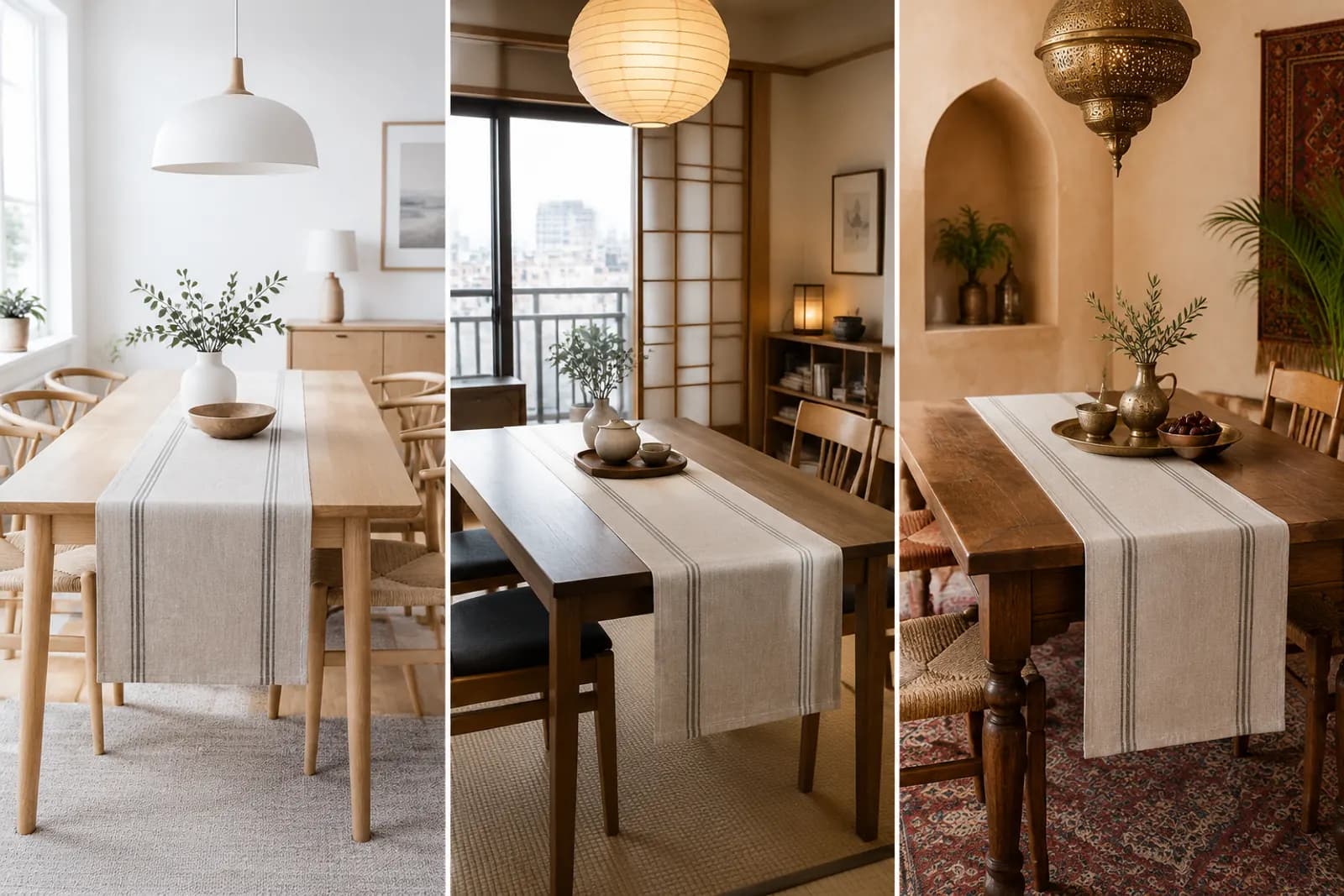
Choosing scene styles for home décor: cream, natural wood, new Chinese — start with your buyer's home
Read article